1
INSTALLATION
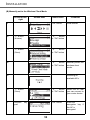
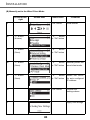
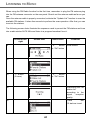
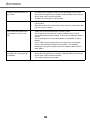
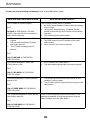
Manually set to the Wireless AP Mode (continued)
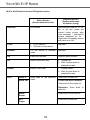
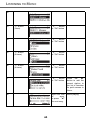
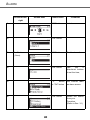
3
" " button
(Once)
" "
button
or "OK" button
4
" " button
(2 times)
" "
button
or "OK" button
Manually select the
AP mode.
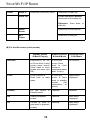
5
" " button
(Once)
" "
button
or "OK" button
Select the DHCP
for auto configured
IP address.
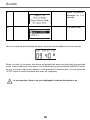
6
Numeric
pad
key
"OK" button
Enter the Identifier
(name) for this AP.
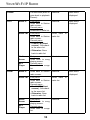
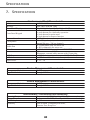
7
Numeric
pad
key
"OK" button
Select the wireless
channel
to
be
allocated to this AP.
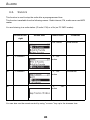
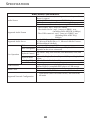
8
" " button
(Once)
"OK" button
Select one of the
security functions.
9
Numeric
pad
"OK" button
Enter the
encryption key if
the AP is
encrypted.
key
24