1
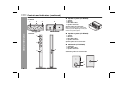
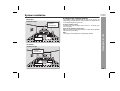
HT-DV40H
HT-DV50H
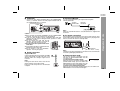
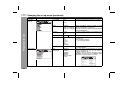
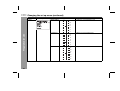
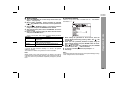
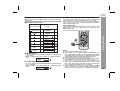
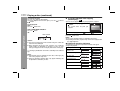
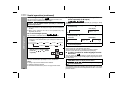
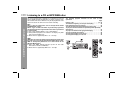
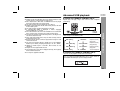
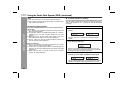
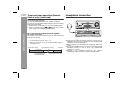
Function Display
Title Display
Album Display
Artist Display
Note:
If “UNKNOWN” is displayed, it means Title or Artist or Album name
is not recorded.
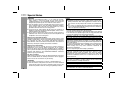
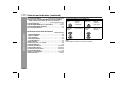
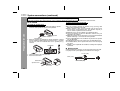
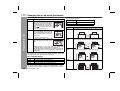
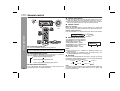
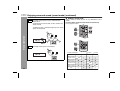
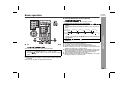
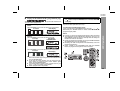
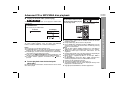
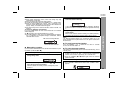
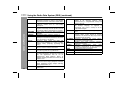
To change the subtitle language
You can change the subtitle language or hide subtitles during
playback.
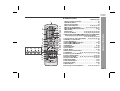
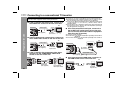
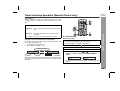
Whilst a disc is playing, press the
SUBTITLE button repeatedly to select
the desired subtitle language.
:
[ENGLISH]
Notes:
On some discs, the subtitle language cannot be changed.
If no subtitles are recorded on the disc, “OFF” is displayed.
It may take time to switch the subtitle language to the selected
one.
Subtitles cannot be hidden on some DVDs.
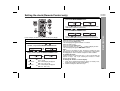
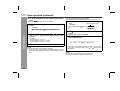
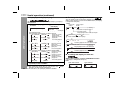
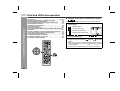
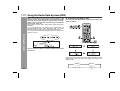
To change the audio language (audio output)
During playback, you can change the audio language (audio output).
1
2
3
4
5
6
7
8
9
0
+10
The subtitle language, audio language and TV type you select during
playback are reset each time you set this unit to stand-by mode or
switch the input. To keep your own settings, set them in the Set up
menu (see page 23).
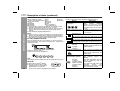
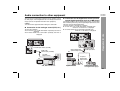
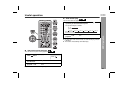
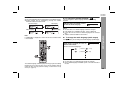
Whilst a disc is playing, press the
AUDIO button repeatedly to select the
desired audio number.
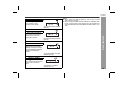
:
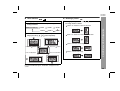
[ENGLISH]
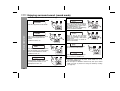
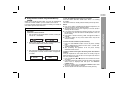
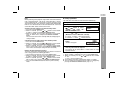
You can select desired languages.
:
[1 ENGLISH
D 5.1CH]
:
[2 ENGLISH
D 2CH]
DVD Operation
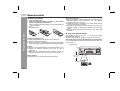
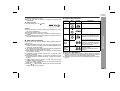
MP3/WMA:
Title, Artist and Album name is displayed if it is recorded on the disc.
Display content can be changed by pressing the CLEAR/
DISPLAY button on remote control.
Notes:
On some discs, the audio language cannot be changed.
For the audio language and audio system, refer to the manual of
the disc.
45