1
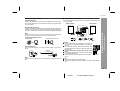
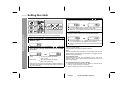
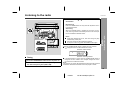
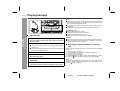
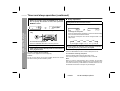
Press the ON/STAND-BY button to turn the power on.
Press the
button to open the cassette door.
Load a cassette into the TAPE 1
or TAPE 2 cassette compartment with the side to be played
facing toward you.
4
Press the TAPE button.
5
Press the
back.
button of TAPE 1 or TAPE 2 to start play-
To stop playback:
Press the
button.
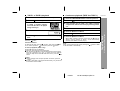
Fast forward/rewind:
To advance the tape, press the
button, then press the
button. To rewind, press the
button, then press the
button.
T
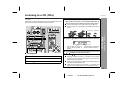
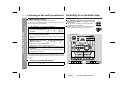
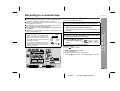
Continuous playback (TAPE 2 to TAPE 1)
1
2
3
Press the ON/STAND-BY button to turn the power on.
4
5
6
7
Press the TAPE button.
Press the
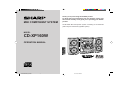
CD-XP160W
button to open the cassette door.
Load cassettes into the TAPE 1 and TAPE 2 cassette
compartments with the side to be played facing toward
you.
Press the
button of TAPE 2.
Press the
button of TAPE 1.
Press the
button of TAPE 1.
When TAPE 2 stops at the end of the tape, the
button of
TAPE 2 and the
button of TAPE 1 will be automatically
released, and TAPE 1 will start playing.
Note:
When in the continuous play mode, pressing the
2 will start TAPE 1 automatically.
button of TAPE
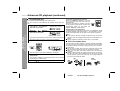
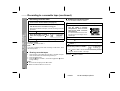
To interrupt playback (TAPE 1 only):
Press the button during playback.
Press the button again to resume playback.
z Do not press the button whilst the fast forward or rewind operations are in progress. The
or
button will not be released
when the tape end is reached. Once this occurs, press the
button.
Tape Playback
1
2
3
TAPE 1 or TAPE 2 playback
- Listening to a cassette tape -
T
Caution:
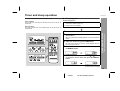
z Before changing from one tape operation to another, press the
button.
z If TAPE 1 and TAPE 2 are played simultaneously, only the sound
from TAPE 2 will be audible.
20
02/5/27
CD-XP160W(SCA)E2..fm