1
Currency — Adding Exchange
Rates
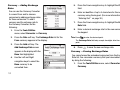
You can use the Currency Converter
to convert from and to obscure
currencies by adding exchange rates
for these currencies. To add a
currency and its exchange rate to
the Currency Converter, do the
following:
1.
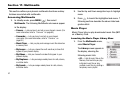
From the Tools/Utilities
5.
field.
6.
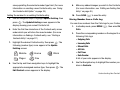
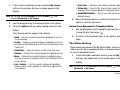
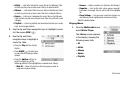
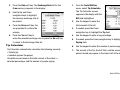
Press the Rate soft key. The Exchange Rate list for the
“Entering Text” on page 30.)
7.
8.
appears in the display with the
Base field highlighted.
Use the Left and Right
navigation keys to select the
Base currency to be
converted from.
101
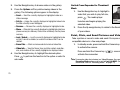
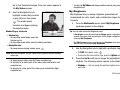
Enter a decimal exchange rate for the new currency using
the keypad.
Note: Press
+
to enter the decimal point.
The Exchange Rate field only accepts two digits after the decimal
point.
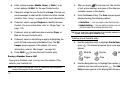
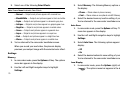
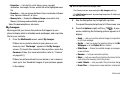
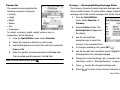
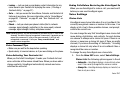
Press the Add soft key. The
Add Exchange Rate screen
4.
Press the Down navigation key to highlight the Exchange
Rate field.
From currency appears in the display.
3.
Enter an identifier of up to 5 characters for the new
currency using the keypad. (For more information, refer to
menu, select Converter ➔ Currency.
2.
Press the Down navigation key to highlight the Currency
9.
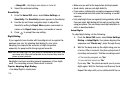
Press
to save the new exchange rate.
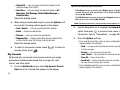
Currency — Erasing Exchange Rates
You cannot erase the preloaded currencies from the Exchange
Rate list. You can erase a currency that you have added to the list
by doing the following:
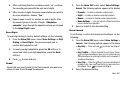
1.
From the Tools/Utilities menu, select Converter ➔
Currency.