1
Network Services
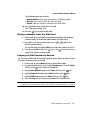
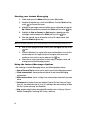
The screen informs you whether call waiting is activated or deactivated.
2. Press the Select soft key or the
key to access the call’s status menu.
3. Highlight Deactivate or Activate and press the Select soft key or the
key.
Call waiting is either activated or deactivated for that type of call.
4. Select the Cancel all option to deactivate Call waiting on all voice and
data calls.
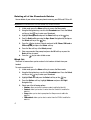
Network selection
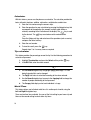
The Network Selection feature enables you to automatically or manually select the
network used when roaming outside of your home area.
Note: You can select a network other than your home network only if there is a valid roaming agreement
between the two.
To change the Network Selection mode:
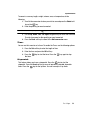
1. Highlight the Search now option and press the Select soft key or the
key.
2. Press the Up or Down Navigation key until the network you want is
highlighted and then press the Select soft key or the
key.
The phone scans for that network and, if available, you are connected.
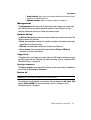
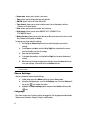
To change your Default setup:
1. Highlight the Default setup option and press the Select soft key or the
key.
2. Highlight one of the following options and press the Select soft key or the
key:
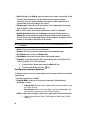
• Automatic: you are connected to the first available network when roaming.
• Manual: the phone begins searching for available networks. Press the Up or
Down Navigation key until the network you want highlights and then press the
Select soft key or the
key.
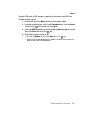
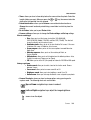
The phone scans the selected network and attempts to connect. If a connection
is available, you are connected.
Changing Your Settings
76