1
Replacing Consumables
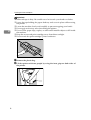
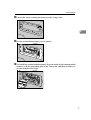
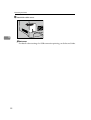
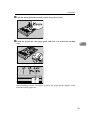
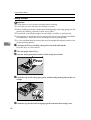
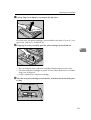
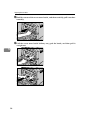
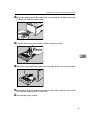
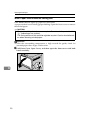
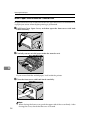
D Hold the print cartridge and shake it from side to side five or six times.
ASH007S
Even distribution of toner within the bottle improves print quality.
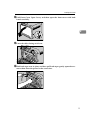
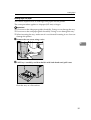
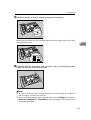
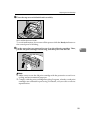
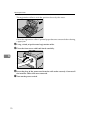
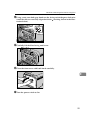
E Remove the cover from the print cartridge.
5
ASH008S
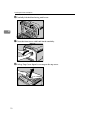
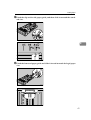
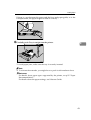
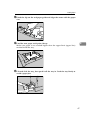
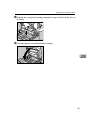
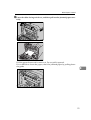
F Check the toner color and location correspond, and carefully insert the
print cartridge vertically.
ASH009S
54