1
Monitoring and Configuring the Printer
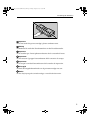
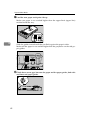
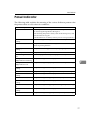
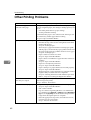
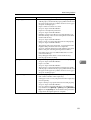
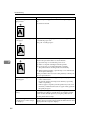
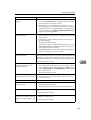
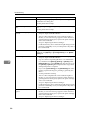
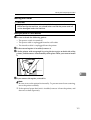
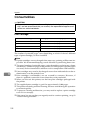
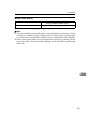
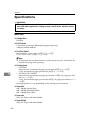
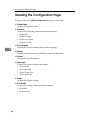
Reading the Configuration Page
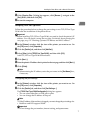
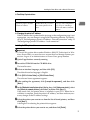
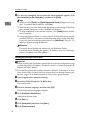
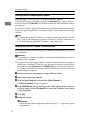
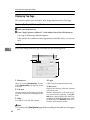
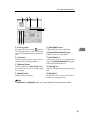
Settings made on the [Printer Configuration] dialog box are printed.
❖ Product Name
Displays the product name.
❖ Reference
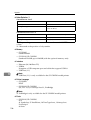
Displays the following information about the printer.
• Product ID
• Model Number
• Firmware Version
• Engine Version
❖ Print Language
Displays the version number of the printer language.
5
❖ Memory
Displays the total memory of SDRAM installed on the printer.
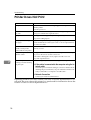
❖ Options
Displays the installed options.
❖ Paper Input
Displays the paper size and type settings.
• Tray Priority
• Tray Paper Size
• Bypass Paper Size
• Tray Paper Type
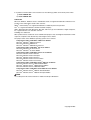
❖ Duplex
Displays the Duplex settings
❖ Print Quality
Displays the settings related to the print quality.
• Resolution
• Toner Saving
68