1
Administration of the WeR@Home™ System
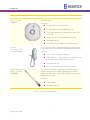
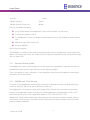
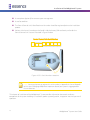
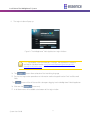
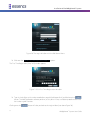
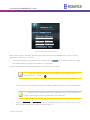
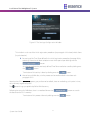
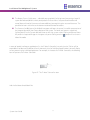
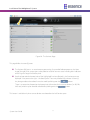
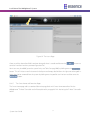
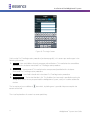
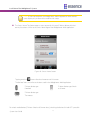
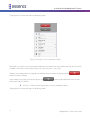
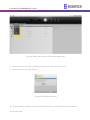
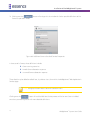
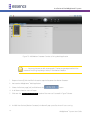
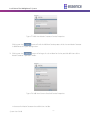
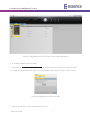
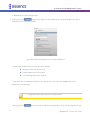
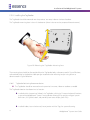
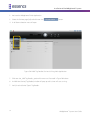
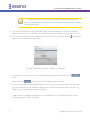
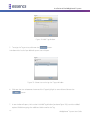
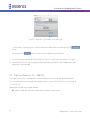
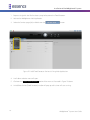
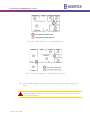
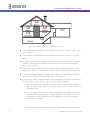
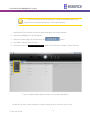
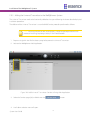
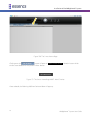
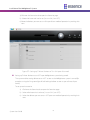
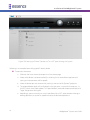
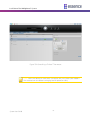
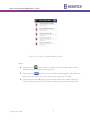
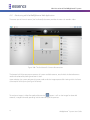
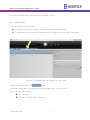
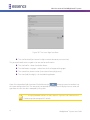
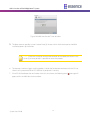
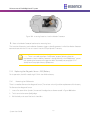
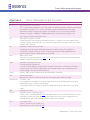
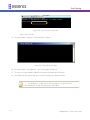
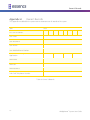
Figure 187: The Users Page Data Pane
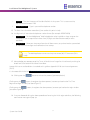
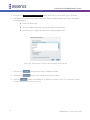
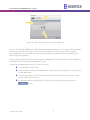
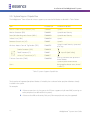
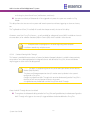
˜ The User Password (minimum of six alpha-numeric characters, case sensitive).
This password needs to be re-typed in the next row for confirmation.
˜ The User Profile – select Standard or Master.
˜ The Notification Language – select from the list of supported languages.
˜ The User cellular phone number (international format, digits only).
˜ The User Code (four digits) – for the Mobile Application.
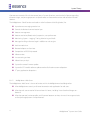
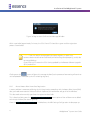
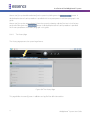
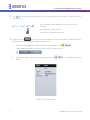
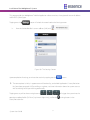
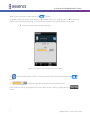
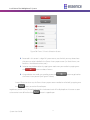
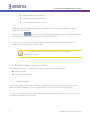
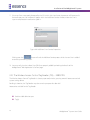
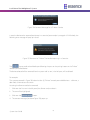
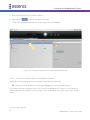
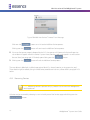
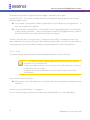
Once all the above data fields have been filled; click over the
button to store the new data into
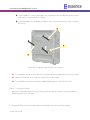
the system configuration files. The new empty row opened on the left pane will display the User name and
type once the new User data is accepted by the system.
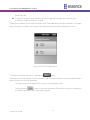
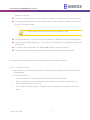
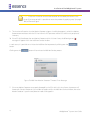
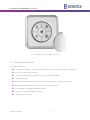
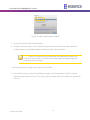
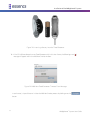
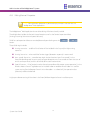
Note: Assigning Remote Control Unit (Key Fob) or a Tag to this User is done via the
Devices page (see paragraph 4.5. below).
216
WeR@Home™ System User Guide