1
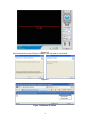
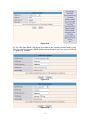
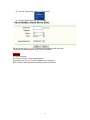
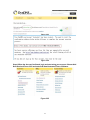
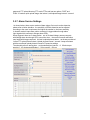
Figure 3.28
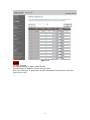
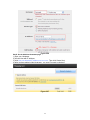
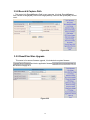
Figure 3.29
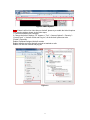
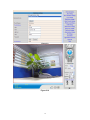
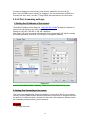
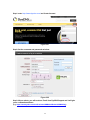
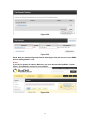
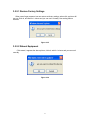
Step6: Now you obtained a Dynamic Domain Name(Figure3.30),and can use it in the DDNS
Service Settings(details: 3.5.5)
Notice:
If you have a dynamic IP address, Make sure you have download the DynDNS’s “Update
Client”. And installed it succeed in your computer.
Figure 3.30
27