1
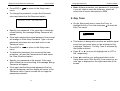
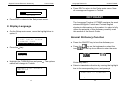
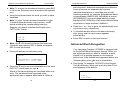
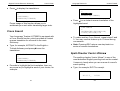
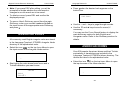
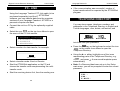
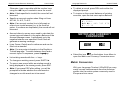
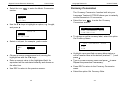
English-Turkish Electronic Dictionary • Press ESC or User's Guide to return to the Setup main menu. • To change the password, re-open the Password menu and select the Set Password option. ENTER OLD PASSWORD: _ • Specify your password. If the input didn’t match the current setting, the message Wrong Password will appear. • If the input matched the actual password, the prompt will change to Enter New Password. Type in a new password and press ↵ to save and return to the Password menu. • Press ESC or to return to the Setup main menu. • To delete the password, thus removing the data protection, re-open the Password menu and select the Clear Password option. • Specify your password at the prompt. If the input didn’t match the current setting, the message Wrong Password will appear. LanguageTeacher ® model ET200D ♦ Note: Always remember your password. If you forget it you will need to reset the dictionary, which will cause loss of user's data stored in RAM. 2. Key Tone • On the Setup main menu, press the 2 key, or highlight the Key Tone line and press ↵ to enter the Key Tone setup. ON OFF SET KEY TONE • This feature is designed to produce an audible signal every time you press a key on the keyboard of the Language Teacher. The Key Tone is activated by the system's default. • Press ▼ or ▲ to move the highlight bar to OFF or ON, respectively. • Press ↵ to confirm your setting and return to the Setup main menu. With the Key Tone turned on, an note sign is displayed on the right-hand side of the screen. • If the input matched the actual password, the key sign will disappear, and the display will return to the Password menu. User’s records will no longer be password-protected. 11 12