Download RED DSMC SCARLET Specifications
Transcript
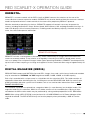
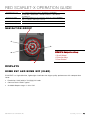
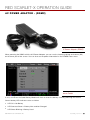
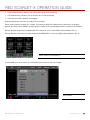
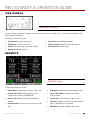
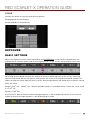
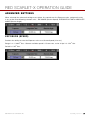
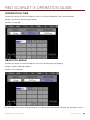
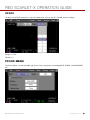
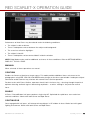
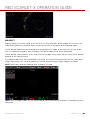
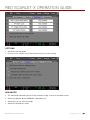
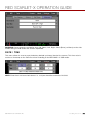
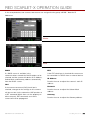
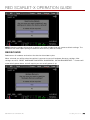
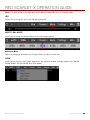
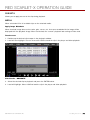
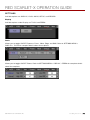
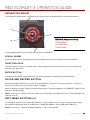
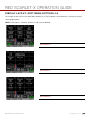
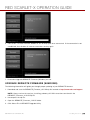
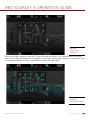
RED SCARLET-X OPERATION GUIDE TOUCH TRACK Dynamically updating positionable AF using touchscreen. Works with Spot Zone only. Keep AF Spot on subject while moving across frame, will continuously focus on spot. RACK For quickly selecting two focus points and executing rack focus between them. Focus points are selected using the Touchscreen. Shutter half-press executes rack movement. Works with Spot Zone only. Rack mode remembers the last Center or Spot position and focus setting as the first rack point. A second rack point needs to be defined by moving the spot window to the desired second location. If the spot window is not moved, a shutter half-press will only cause the lens to execute a single AF adjustment on the original Spot. On the other hand, when two rack points have already been defined, the rack point can be updated by moving the spot to a new location. This will replace the rack point that is not in focus at that moment. ZONES Available options are CENTER and SPOT. Default is CENTER. This control allows selection of the boxes used to indicate objects in/out of focus. COPYRIGHT © 2013 RED.COM, INC 955-0003_v4.0, Rev-A | 8 4