1
3
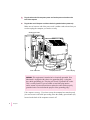
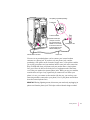
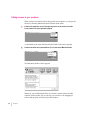
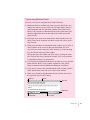
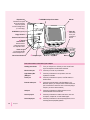
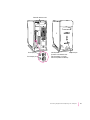
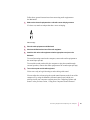
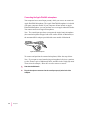
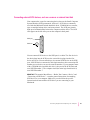
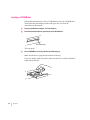
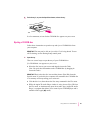
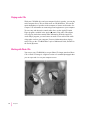
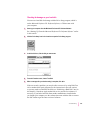
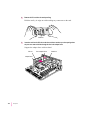
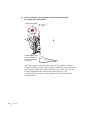
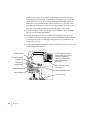
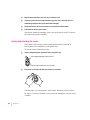
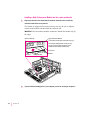
Place the microphone at the top center of the monitor, so that the microphone’s
Apple (K) icon is facing you.
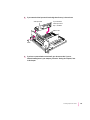
If you can’t place it on top of the monitor, position the microphone according
to these guidelines:
m The microphone should be between 1 and 3 feet away from you.
m The microphone should be directly in front of you to minimize the
effect of background noises.
4
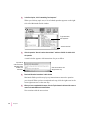
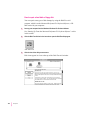
Turn on the computer.
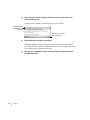
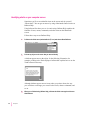
Next, you need to make sure the Sound Input source in your computer is set
to “External Microphone.”
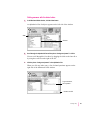
5
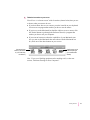
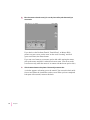
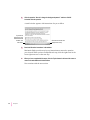
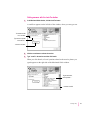
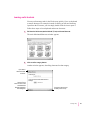
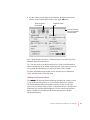
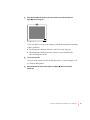
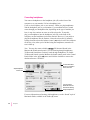
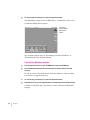
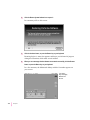
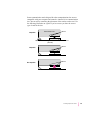
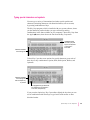
Open the Monitors & Sound control panel in the Apple (K) menu and click the
Sound icon.
Connecting Equipment and Expanding Your Computer
47