1
INSTALLATION and OPERATING MANUAL
FLARM-NAV Display and Navigation System
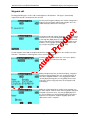
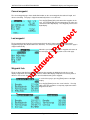
Next, the latitude of the waypoint is displayed along with a
cursor. Pressing [Left]/[Right] will move between the items
(degrees, minutes, seconds), and pressing [Up/Down] will
adjust the numeric value of the item. Pressing [OK] signals
that editing the latitude is complete.
Following this, longitude can be edited the same way, and then pressing [OK] signals that editing the entire
waypoint is complete and the system returns to the flight display.
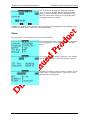
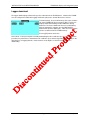
Status
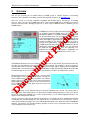
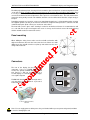
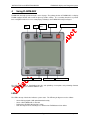
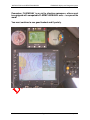
The status page is used to display the aircraft’s state from the GPS.
There are three status pages, which may be cycled through by
pressing [Up]/[Down]. Pressing [ESC] returns to the flight
display.
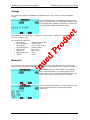
The second status page displays a stopwatch. Pressing [OK]
activates the stopwatch, or it is already activated, will stop it.
The third status display shows the number of satellites in view
and the status of connected devices. In this page, pressing
[OK] will enter the settings page.
Version 1.13
Page 17 of 25
January 2012