1
Reading
How to Read 2D Barcode
Configure Reader Server in the Control Panel
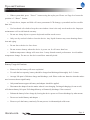
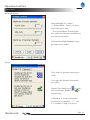
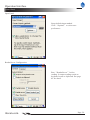
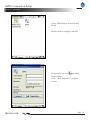
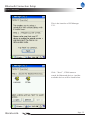
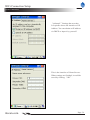
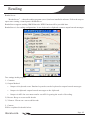
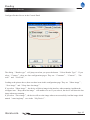
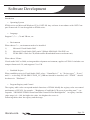
The dialog “Reader type” will jump out when you press the button “Select Reader Type”. If you
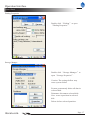
select “Camera”, there are four configuration pages. They are “Common”, “Camera”, “Decode” and “VeriCode”.
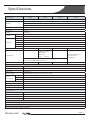
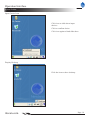
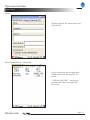
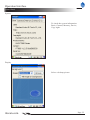
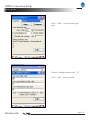
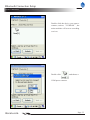
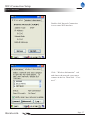
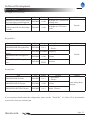
Looking at the picture above, there are three items in this configuration page. They are “Show image”,
“Save image” and “Keep show last image”.
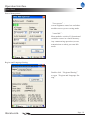
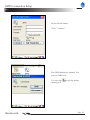
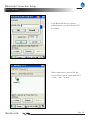
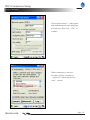
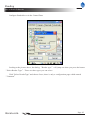
If you select “Show image”, the device will show image in the interface when scanning. And then the
configure item “Keep show last image” will enable to be set. If you select it, the device will show the last
image when stop scanning.
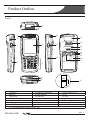
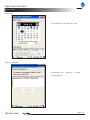
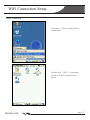
If you select “Save image”, the device will save the image when scan successfully. And the image which
named “cmos-img.bmp” save in the “My Device”.
nlscan.com
Page 45