1
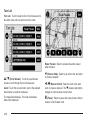
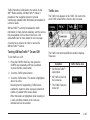
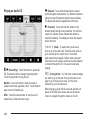
appears, the distance indicates how far the event is
ahead on current Interstate highway or route.
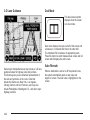
While the vehicle is moving, the traffic list up or
down, scroll arrows are limited to a maximum
of four pages. No more than four pages of traffic
events may be viewed while the vehicle is moving.
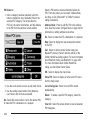
Options
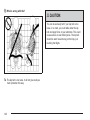
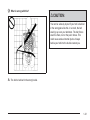
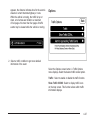
2. Select a traffic condition to get more detailed
information of the event.
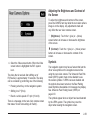
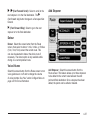
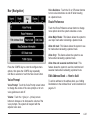
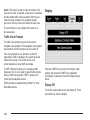
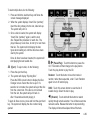
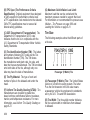
Select the Options screen button. A Traffic Options
menu displays. Select the desired traffic related option.
Traffic: Select to enable or disable the traffic function.
Show Traffic ICONS: Select to display traffic icons
on the map screen. This function allows which traffic
information displays.
4-47