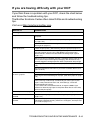
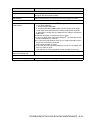
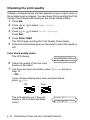
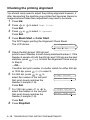
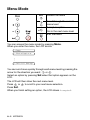
1
Load documents
You can copy and scan from the scanner glass.
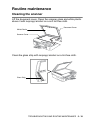
Using the scanner glass
You can use the scanner glass to copy or scan pages of a book or
one page at a time. Documents can be up to letter size (8.5 inches to
11 inches).
1
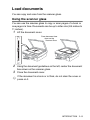
Lift the document cover.
Place document face
down on the
Scanner Glass
2
3
Using the document guidelines on the left, center the document
face down on the scanner glass.
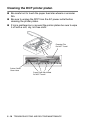
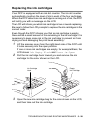
Close the document cover.
If the document is a book or is thick, do not slam the cover or
press on it.
INTRODUCTION 1 - 5