1
XL-MP110H
Using the Radio Data System (RDS) (continued)
ENGLISH
To recall stations in memory
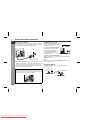
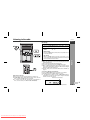
To specify programmed types and select stations (PTY search):
You can search a station by specifying the programme type (news,
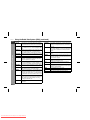
sports, traffic programme, etc. ... see pages 30 - 31) from the stations
in memory.
Advanced Features
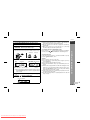
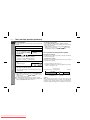
1
2
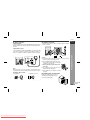
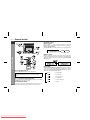
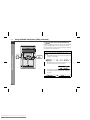
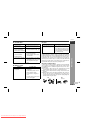
Press the TUNER (BAND) button to select the FM.
Press the PTY.TI SEARCH button.
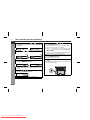
"SELECT" and "PTY TI" will appear alternately for about 6 seconds.
/
PTY.TI
SEARCH
ASPM
PTY.TI
SEARCH
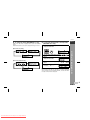
3
DISPLAY
MODE
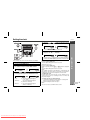
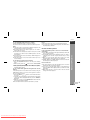
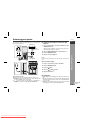
Within 6 seconds, press the PRESET (
lect the programme type.
or
) button to se-
Each time the button is pressed, the programme type will appear. If the button is held down for more than 0.5 seconds, the
programme type will appear continuously.
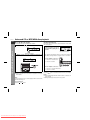
4
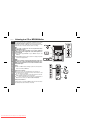
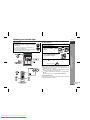
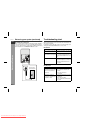
Whilst the selected programme type is flashing (within 6
seconds), press the PTY.TI SEARCH button again.
After the selected programme type has been lit for 2 seconds,
"SEARCH" will appear, and the search operation will start.
E-29
Downloaded From Disc-Player.com Sharp Manuals