1
Adjusting the Display Options
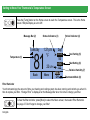
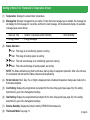
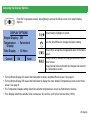
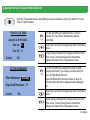
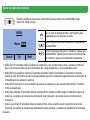
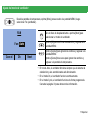
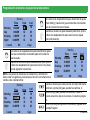
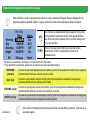
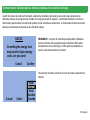
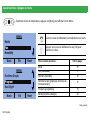
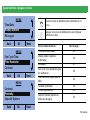
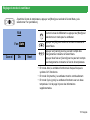
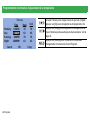
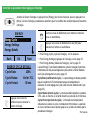
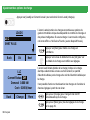
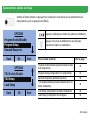
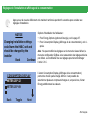
From the Temperature screen, press [More] to access the Menu screen, then select Display
Options.
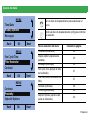
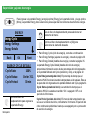
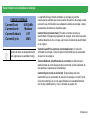
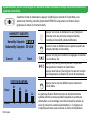
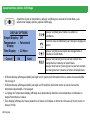
DISPLAY OPTIONS
Simple Display : Off
Temperature : Fahrenheit
Display
Time Display : 12-Hour
Cancel
Ok
Next
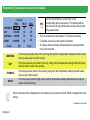
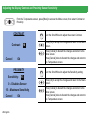
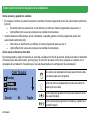
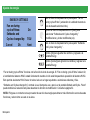
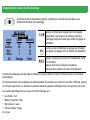
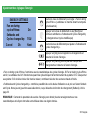
Press [Next] to highlight an option.
Turn the Scroll Wheel to change the option setting.
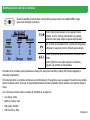
Press [Ok] to accept the changes and return to the Menu
screen.
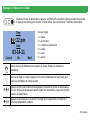
Press [Cancel] to discard the changes and return to the
Menu screen.
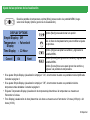
Press [Cancel] twice to discard the changes and return to
the Temperature screen.
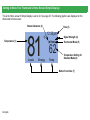
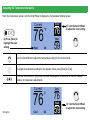
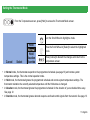
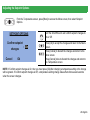
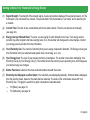
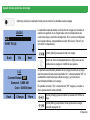
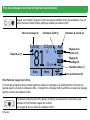
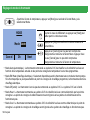
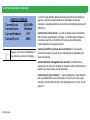
• Turning Simple Display On causes the thermostat to show a simplified Home screen. See page 6.
• Turning Simple Display Off causes the thermostat to display the more detailed Temperature screen as the Home
screen. See page 8.
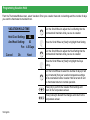
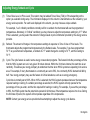
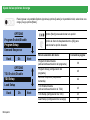
• The Temperature Display setting determines whether temperature is shown as Fahrenheit or Celsius.
• Time Display determines whether time is shown as 12-hour time (4:30 pm) or 24-hour time (16:30).
25-English