1
Step 6: Share Your Spreadsheet
When you want to share your spreadsheet with others, you have several options.
Preparing a Sheet for Sharing
Before you share a sheet, you may want to paginate its contents.
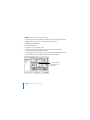
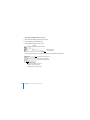
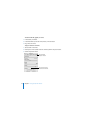
To paginate a sheet:
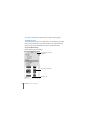
1 Select the sheet in the Sheets pane.
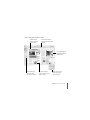
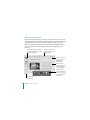
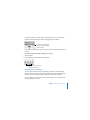
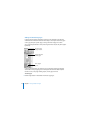
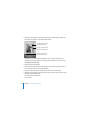
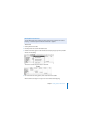
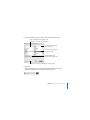
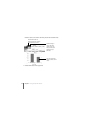
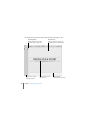
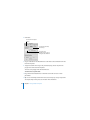
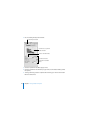
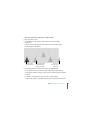
2 To view a paginated version of your sheet, click View in the toolbar and choose Show
Print View.
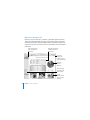
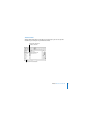
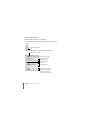
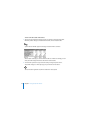
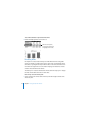
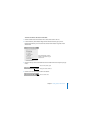
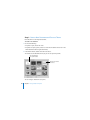
3 To zoom out so you can see more pages at one time, choose 50% from the pop-up
menu in the lower left of the canvas.
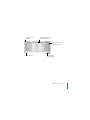
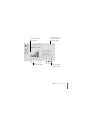
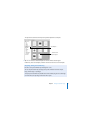
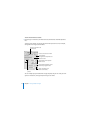
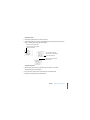
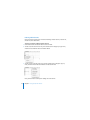
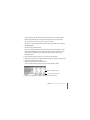
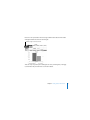
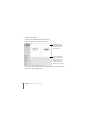
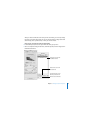
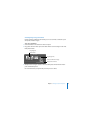
4 To adjust the size of all the objects so they fit on fewer or more pages, move the
Content Scale slider at the bottom of the window to the left or right.
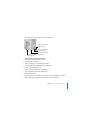
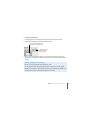
The Content Scale slider enlarges or shrinks all the objects on the sheet.
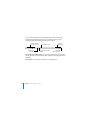
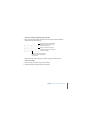
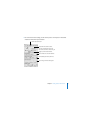
5 To refine the layout of objects, move, resize, and drag them between pages until you
achieve the visual effect you want.
Chapter 2 Getting Started with Numbers
97