1
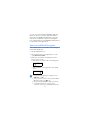
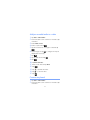
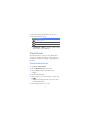
Search for song information by
grabbing the song from an audio source
1
2
3
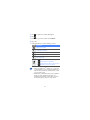
Tap Start > Midomi.
Tap the Grab tab (if necessary).
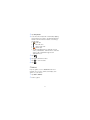
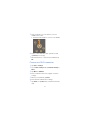
Tap the area of the screen that reads Tap and hold
to a speaker and place the device near the audio
source.
Try to grab at least 10 seconds of the song for best
results.
4
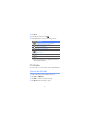
When you are finished, tap the area that reads
RECORDING. The Midomi service will search for a
match and return the results.
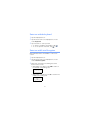
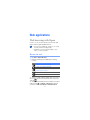
Search Widget
Use Live Search and use many service links in
directory such as Directions, Maps, Hotmail, and
Messenger.
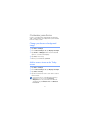
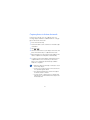
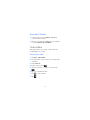
1 Tap Start > Search Widget.
2 Tap Continue.
3 Enter a letter of a word of the data to search on the
.
web and tap
Tap directory to use service links.
77