1
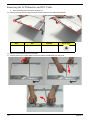
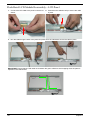
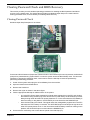
Removing the LCD Brackets and FPC Cable
1.
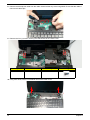
See “Removing the LCD Panel” on page 115.
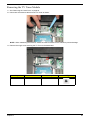
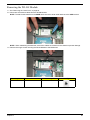
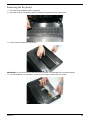
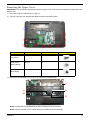
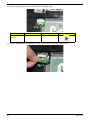
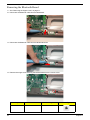
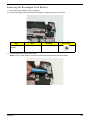
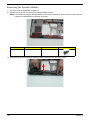
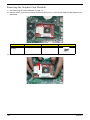
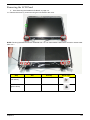
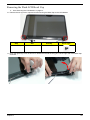
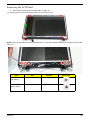
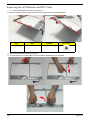
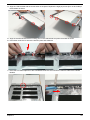
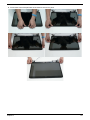
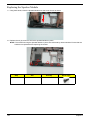
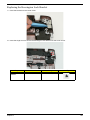
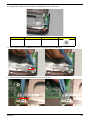
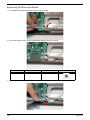
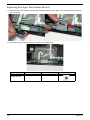
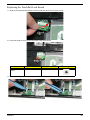
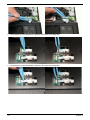
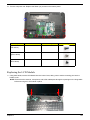
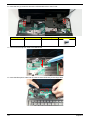
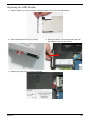
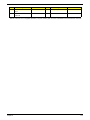
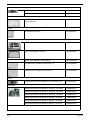
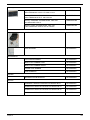
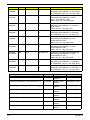
2. Remove the eight (8) securing screws (four each side) from the LCD Panel brackets.
Step
LCD Brackets
Size
M2*3
Quantity
Screw Type
8
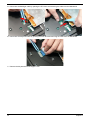
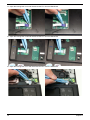
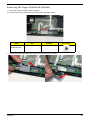
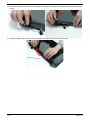
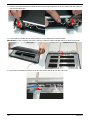
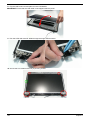
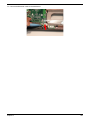
3. Remove the brackets from the LCD Panel.
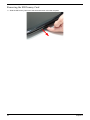
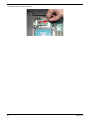
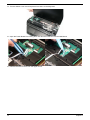
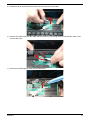
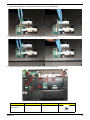
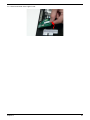
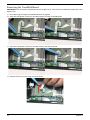
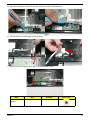
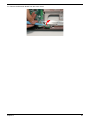
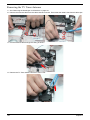
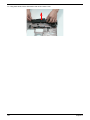
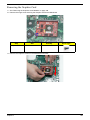
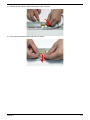
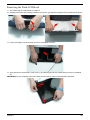
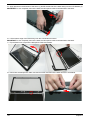
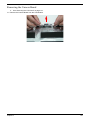
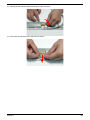
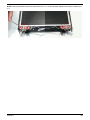
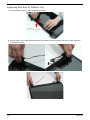
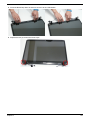
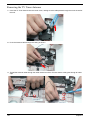
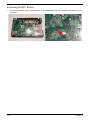
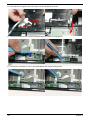
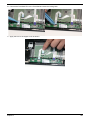
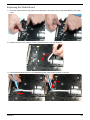
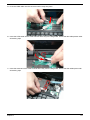
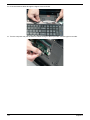
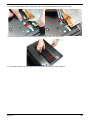
4. Turn the panel over. Lift the cable as shown to detach the adhesive from the panel.
118
Chapter 3