1
Index Search
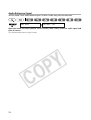
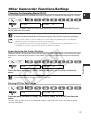
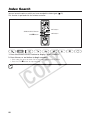
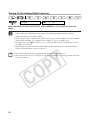
You can locate the point at which you have recorded the index signal (
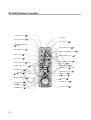
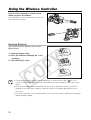
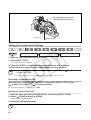
This function is operated with the wireless controller.
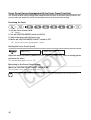
+ button
SEARCH SELECT button
STOP 3 button
- button
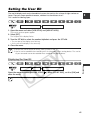
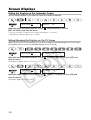
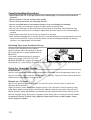
1. Press the SEARCH SELECT button to display “INDEX SEARCH”.
2. Press the + or - button to begin searching.
• Press more than once to search for further index signals (up to 10 times).
• Press the STOP 3 button to stop searching.
Playback may start slightly before or after the index signal.
88
71).