1
abc-3
4:24:2003
0:57
Page 47
C O N F I G U R A Z I O N E D E L L A STA M PA N T E
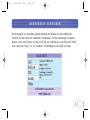
Nota: la stampante deve essere aggiunta come stampante “locale” (non come
stampante di “rete”), ed è necessario selezionare la porta “Belkin”.
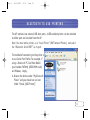
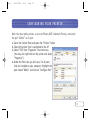
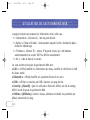
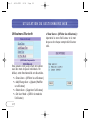
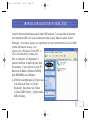
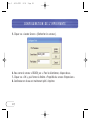
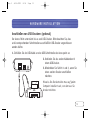
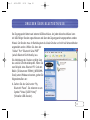
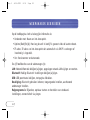
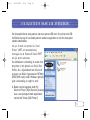
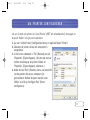
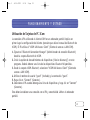
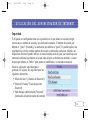
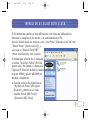
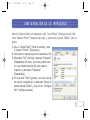
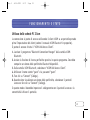
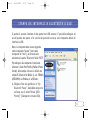
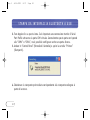
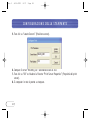
1. Andare in “Control Panel” (Pannello di Controllo) e aprire la cartella “Printers”
(Stampanti).
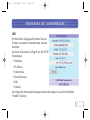
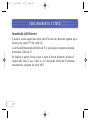
2. Selezionare la stampante collegata al punto di
accesso.
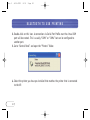
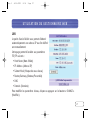
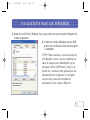
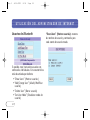
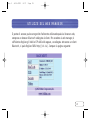
3. Selezionare “File” e “Properties” (Proprietà) dal
menu. (E’ anche possibile fare clic con il tasto
destro del mouse sulla stampante e selezionare
“Properties” (Proprietà)).
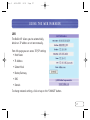
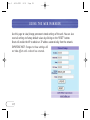
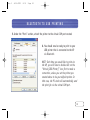
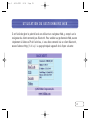
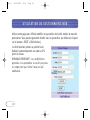
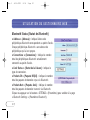
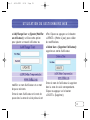
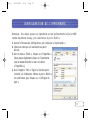
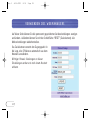
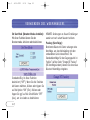
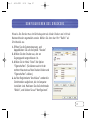
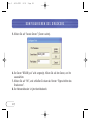
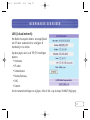
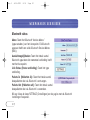
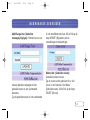
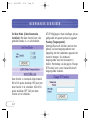
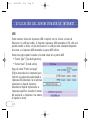
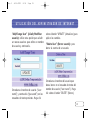
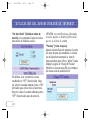
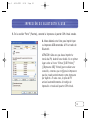
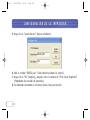
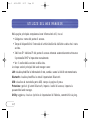
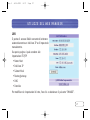
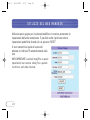
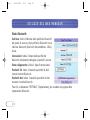
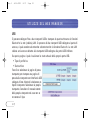
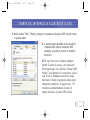
4. Nella tabella “Ports” (Porte) compare l’elenco delle
porte installate nel computer. Evidenziare la porta
“Belkin” e fare clic sul comando “Configure Port”
(Configura porta).
47