1
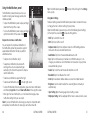
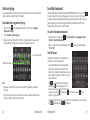
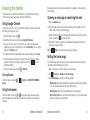
3. Tap
to keep the change or
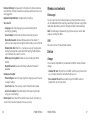
Playing a voice memo
to cancel it.
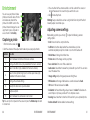
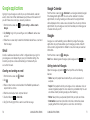
4. Tap Save to save the new picture.
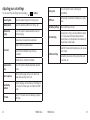
Note: Tap History in the PhotoEditor screen to see the edits you have made
and undo or redo them.
Playing a memo you just recorded
Tap
at the bottom of the screen.
Playing any saved memo
Playing videos
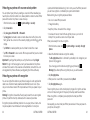
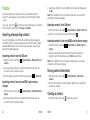
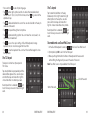
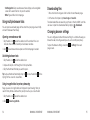
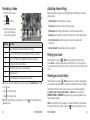
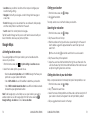
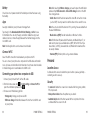
1. Tap an album in the gallery and then tap the thumbnail of a video.
2.Tap
at the center and select a player to start playing. Tap the video to
view the playback controls.
In the Video Player, you can tap
to play the video in a small floating
window and continue with other tasks on the phone. You can also tap
>
Trim while the video is playing in full screen to cut a segment of the video clip
and save it as a new video file.
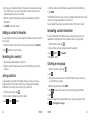
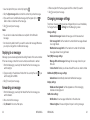
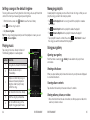
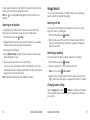
1. Tap
at the top right of the screen to see all recordings.
2. Tap the title of a memo to play it.
Note: You can also tap
next to a memo to delete, rename, share, trim,
check its file information, add a tag, or set it as your phone ringtone.
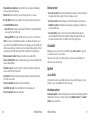
Making memorable memos
Sound Recorder enables you to record voice memos and listen to them
whenever you like.
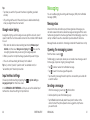
Recording a voice memo
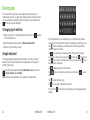
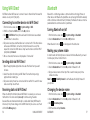
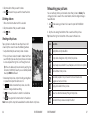
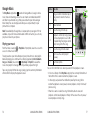
1. From the home screen, tap
2. Tap
> Sound Recorder.
to start recording. During recording, you can do the following:
• Tap
/
• Tap
to cancel the recording.
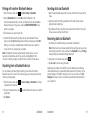
3. Tap
to pause or continue the recording.
to stop recording. The memo is automatically saved.
If you don’t want to save the memo after recording it, tap
68
> OK to delete it.
ENTERTAINMENT
ENTERTAINMENT
69