1
)RUPDW8VLQJD6HULDOL]HG'DWD)LHOG
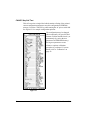
Line #
1
2
3
4
5
6
7
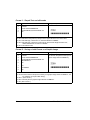
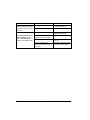
Type this label format:
^XA
^LH30,30
^FO20,10^AD^FDZEBRA^FS
^FO20,60^B3,,40,,^FDAAA001^FS
^FO20,180^AF^SNSERIAL NUMBER
00000000111,1,Y^FS
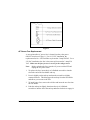
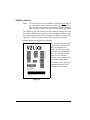
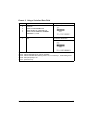
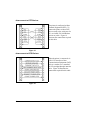
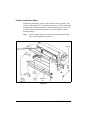
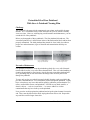
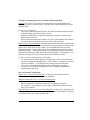
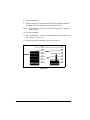
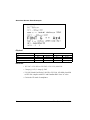
You’ll get this printout:
^PQ10
^XZ
Ten labels should print. The first
and last are shown here.
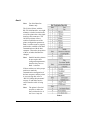
Line #1-3: These commands were described in Format 1.
Line #4: Defines field data for bar code as “AAA001”.
Line #5: Defines serialized field, starting value of 111, increment by 1, insert leading zeros.
Line #6: Sets print quality to 10.
Line #7: (See Format 1).
Zebra S-Series User’s Guide
37