1
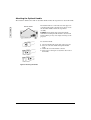
Options Menu
SETUP
E
N
G
L
I
S
H
INPUT
IMAGE
OPT.
VOLUME
MENU COLOR
TIMER
LANGUAGE
AUTO OFF
SYNC ON G
128
OPTIONS Menu
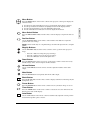
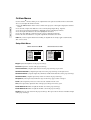
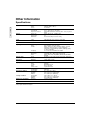
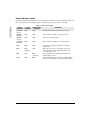
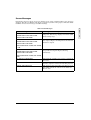
The Options menu displays the options described below:
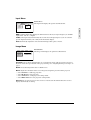
Volume increases or decreases the speaker loudness.
Menu Color selects a background color for on-screen menus (Orange, Yellow, Green, Blue,
Purple, Gray, Black).
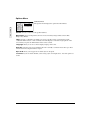
Timer provides a countdown clock that you can set, typically to time a presentation. Set the
countdown Timer between 1 and 99 minutes. The time displays on the lower right portion of the
screen when you press the Timer button on the remote control.
Language allows you to select a menu-display language from a list.
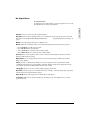
Auto Off causes the projector to automatically enter a standby, cool-down mode after a specified
amount of time has elapsed without a signal.
Sync on G allows you to toggle On or Off the Sync on G option.
CAUTION: If you are unsure whether you are using a Sync on G input device, leave this option set
to Off.
12
ViewSonic PJ750