1
CG.GSM.A780.book Page 2 Tuesday, May 17, 2005 5:42 PM
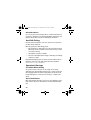
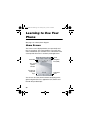
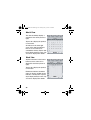
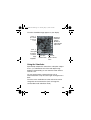
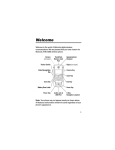
Check It Out!
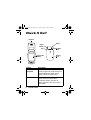
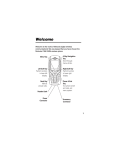
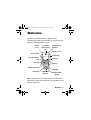
Earpiece
Stylus
Camera
Key
Touchscreen
Display
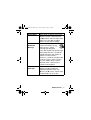
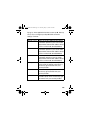
Feature
GPS Satellite
Navigation
Take Photo
2
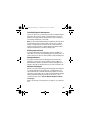
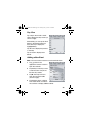
Check It Out!
Mirror
Camera
Lens
Battery
Door
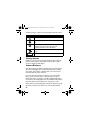
Description
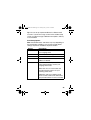
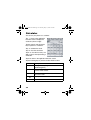
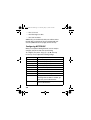
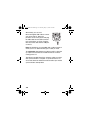
Full In-Car Satellite Navigation software
to help you get from A to B. Please see
separate Quick Start Guide for full
details of how to use this feature.
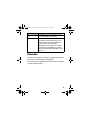
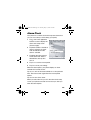
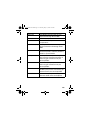
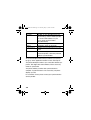
Open the flip to view the touchscreen
display. Press the camera key to
activate the camera, point lens at
subject, then press the camera key to
take a photo.