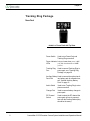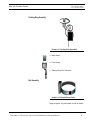
1
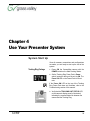
Chapter 4
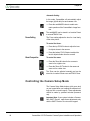
The Battery Charger takes 4 to 6 hours to recharge
the Auxiliary Battery Pack.
Audio Switch
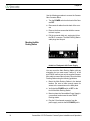
To activate Audio:
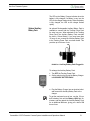
1. Set the AUDIO switch on the top of the Tracking
Ring Power Pack to ON.
2. Speak at a normal level.
If you decide not to use the Audio feature of the
Tracking Ring Package, the AUDIO switch on the
top of the Tracking Power Pack should be set to
OFF.
Using autoTRACK
Your Presenter Camera System’s ability to follow a
presenter around the room is unmatched in the
industry. Now that you’ve connected, configured,
and powered up all the system components, you
can begin to put them to use.
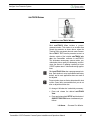
AutoTRACK Mode
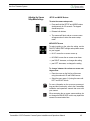
AutoTRACK mode enables the CameraMan camera
to follow a presenter who is wearing the Tracking
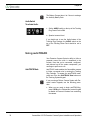
Ring Package. To engage the autoTRACK mode,
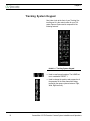
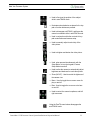
press one of the four autoTRACK View buttons on
the Tracking System Keypad.
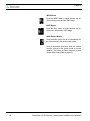
If you are using a Deluxe Camera System with Personal Locator Keypads, use the following procedure:
1. When you are ready to begin autoTRACKing,
press LOCK on the Chairperson Locator Keypad
to disable all Personal Locators from controlling
the camera.
32
CameraMan 3-CCD Presenter Camera System Installation and Operations