1
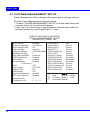
56H5 / 56H1
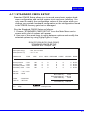
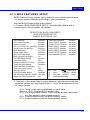
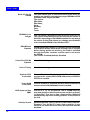
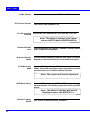
Date (mm:dd:yy)
Time (hh:mm:ss)
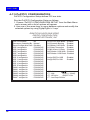
Set the current date and time.
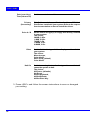
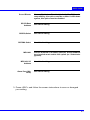
Primary
(Secondary)
This field records the specification for all non-SCSI Hard
Disk Drives installed in your system. Refer to the respective documentation on how to install the drives.
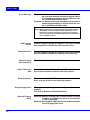
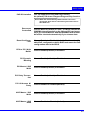
Drive A / B
Set the field to the type(s) of Floppy Disk drive(s) installed
in your system.
The choice:
360KB, 5.25in.
1.2MB, 5.25in.
720KB, 3.5in.
1.44MB, 3.5in.
2.88MB, 3.5in.
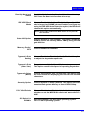
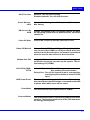
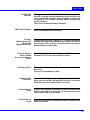
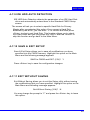
Video
Set the field to the type of video display card installed in
your system.
The choice:
Monochrome,
Color 40x25,
EGA / VGA, (default)
Color 80x25
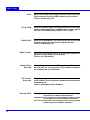
Halt On
Set this warning feature for the type of errors that will
cause the system to halt.
The choice:
All Errors, (defaults)
No Errors,
All But Keyboard,
All But Diskette,
All But Disk / Key
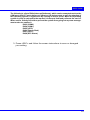
3. Press <ESC> and follow the screen instructions to save or disregard
your setting.
28