1
Poster Printing
Advanced Guide > Printing from a Computer > Printing with Other Application Software > Various Printing Methods >
Poster Printing
P401
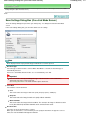
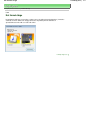
Poster Printing
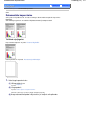
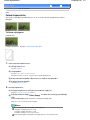
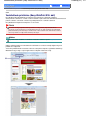
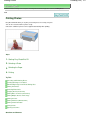
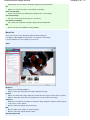
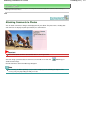
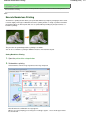
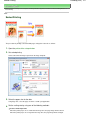
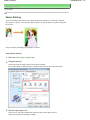
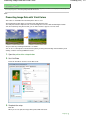
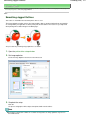
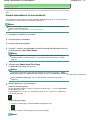
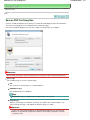
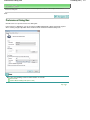
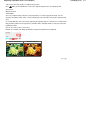
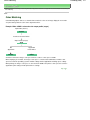
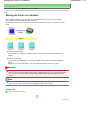
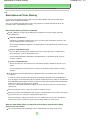
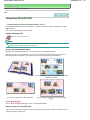
The poster printing function allows you to enlarge image data, divide it into several pages, and print
these pages on separate sheets of paper. When the pages are pasted together, they form a large print
like a poster.
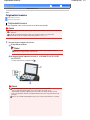
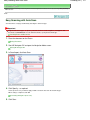
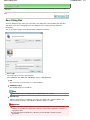
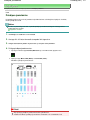
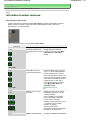
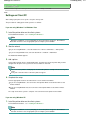
The procedure for performing poster printing is as follows:
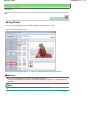
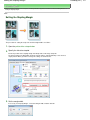
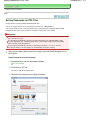
Setting Poster Printing
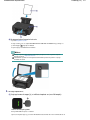
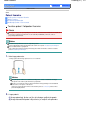
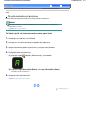
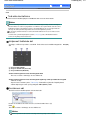
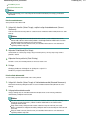
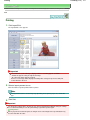
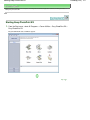
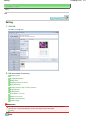
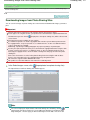
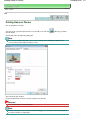
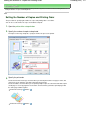
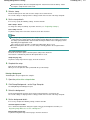
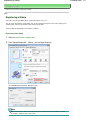
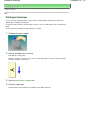
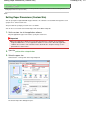
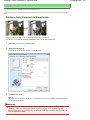
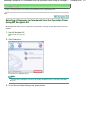
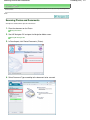
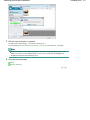
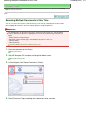
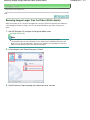
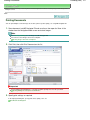
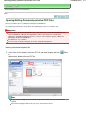
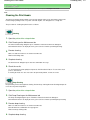
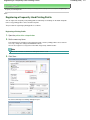
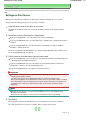
1. Open the printer driver setup window
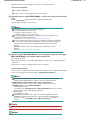
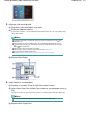
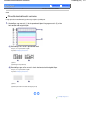
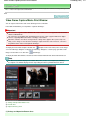
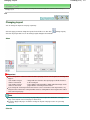
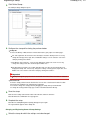
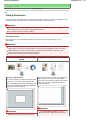
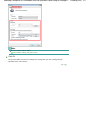
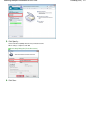
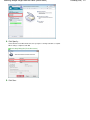
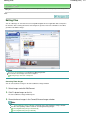
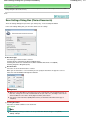
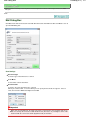
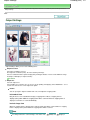
2. Set poster printing
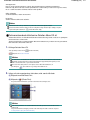
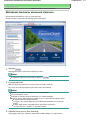
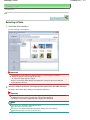
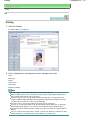
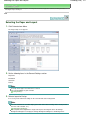
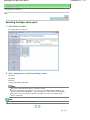
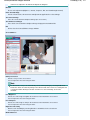
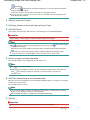
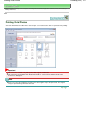
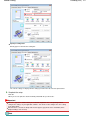
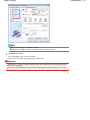
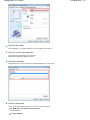
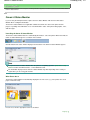
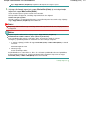
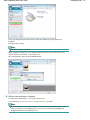
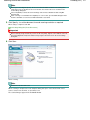
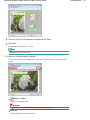
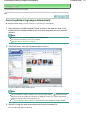
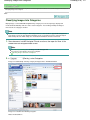
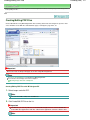
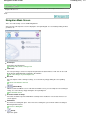
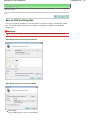
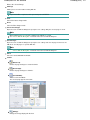
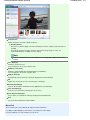
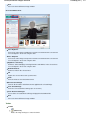
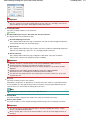
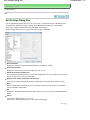
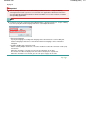
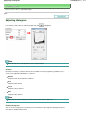
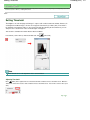
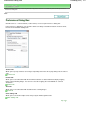
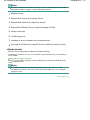
Select Poster from the Page Layout list on the Page Setup tab.
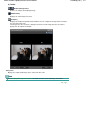
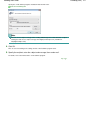
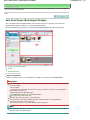
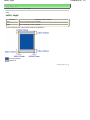
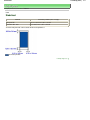
The current settings are displayed in the settings preview on the left side of the printer driver.
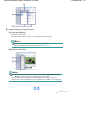
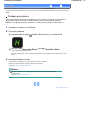
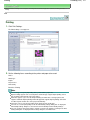
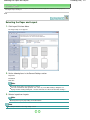
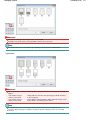
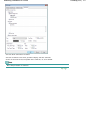
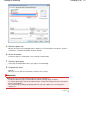
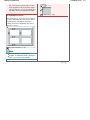
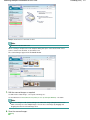
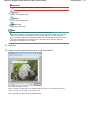
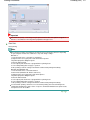
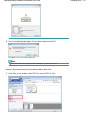
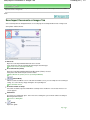
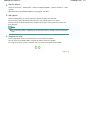
3. Select the print paper size
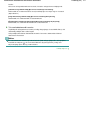
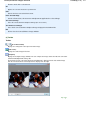
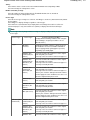
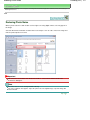
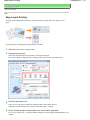
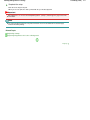
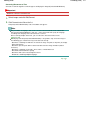
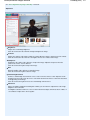
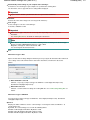
Select the size of the paper loaded in the machine from the Printer Paper Size list.
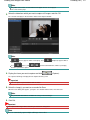
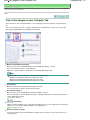
Setting 2 by 2-page poster printing is complete.
Lehekülg 259 / 707