1
Removal and Replacement Procedures
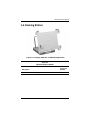
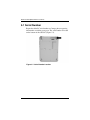
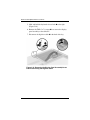
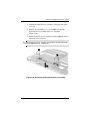
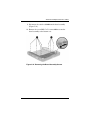
3. Position the docking station top side up with the rear panel
facing you and the docking stand swung all the way back.
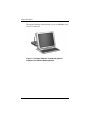
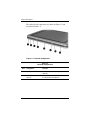
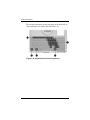
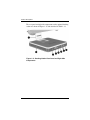
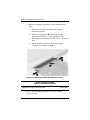
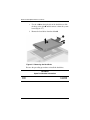
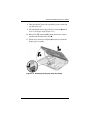
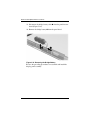
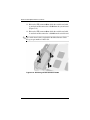
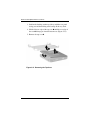
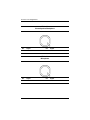
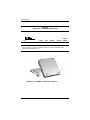
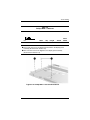
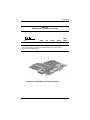
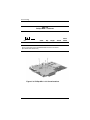
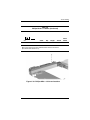
4. Lift the left rear edge of the top case 1 until the rear edge of
the case 2 disengages from the bottom case (Figure 5-31).
5. Remove the top case 3.
Figure 5-31. Removing the Top Case
5–38
Maintenance and Service Guide