1
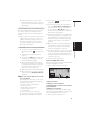
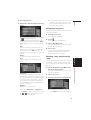
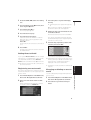
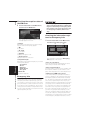
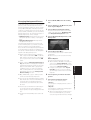
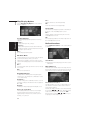
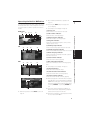
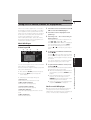
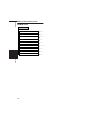
Around Current Route
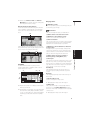
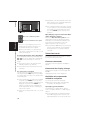
Sets the surrounding currently set route to the
memory area. The route to the destination will
appear on screen. Please press “OK”.
❒ The extent of the information that can be set
in the memory area is about 6.6 mi (10.6 km)
surrounding the route.
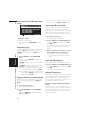
Modify Current Location
NAVI
❒ An area not stored in the disc cannot be
memorized.
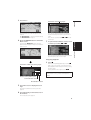
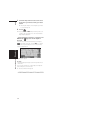
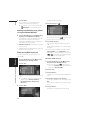
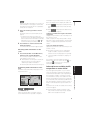
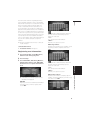
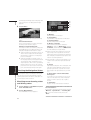
Touch the screen to adjust the current position
and direction of the vehicle displayed on the
map.
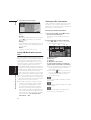
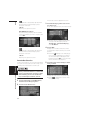
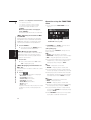
Hardware Info
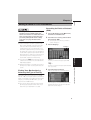
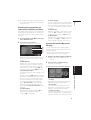
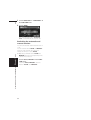
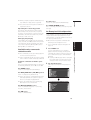
Touch “Hardware Info”in the Setting Menu to
display.
Set ”Go to”
➲ Registering and changing your favorite location ➞ Page 45
Chapter 5
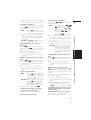
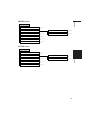
Demo Mode
❒ If you eject the map disc during the demo
drive, the demo mode will be stopped.
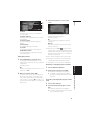
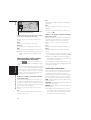
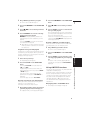
Time
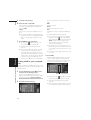
Adjusts the systems clock. The time difference
(+, –) between the time originally set in this unit
is set here.
You can also select summer time On/Off.
➲ Time settings ➞ Page 106
On :
Summer time is taken into account.
Off* :
Summer time is not taken into account.
❒ When the period of summer time comes, or
when the summer time ends, this unit does
not automatically change the summer time
setting.
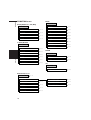
Connection Status
➲ Connection Status ➞ Page 61
3D Calibration
➲ 3D Calibration ➞ Page 60
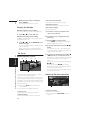
Service Info Screen
Displays the disc production number and version
information.
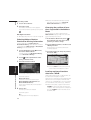
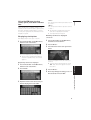
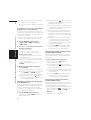
Restore Factory Settings
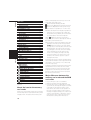
Reset various settings registered to the Navigation System and restores to the default or factory
settings. To restore, touch "Yes".
❒ When you restore the settings to their status
at shipping, the information set in the
Address Book, Destination History,
Overlay POI, Emergency Info, Areas to
Avoid, Language Selection, Time, Return
Home, Go to, Modify Current Location,
Background Picture Settings, Defined
Locations, and Short-Cut Selection menus
are not deleted.
➲ Change the summer time setting ➞ Page 106
67
Customizing Your Navigation System
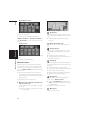
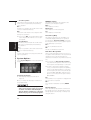
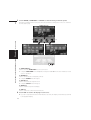
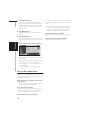
This is a demonstration function for shops. After
a route is set, the simulation of the route guidance to a destination is automatically displayed.
Normally, set this to “Off”.
On (Repeat) :
Repeat demo drive.
Off* :
Demo Mode is set off.