1
CC Using WinSCP
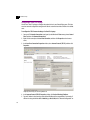
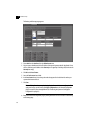
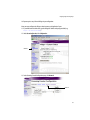
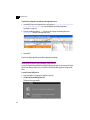
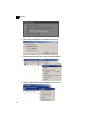
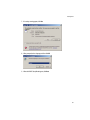
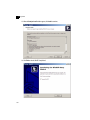
3. Click Yes to continue.
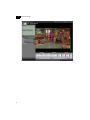
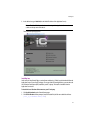
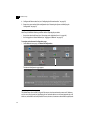
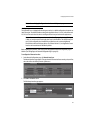
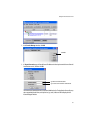
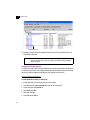
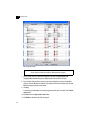
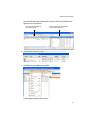
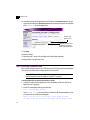
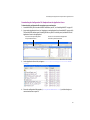
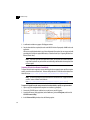
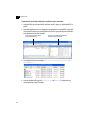
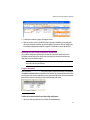
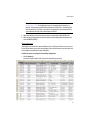
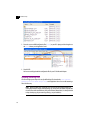
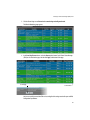
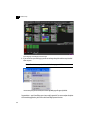
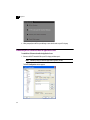
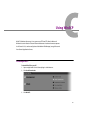
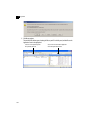
The main WinSCP window opens, showing the files on your PC in the left panel, and the files on the
Application Server in the right panel:
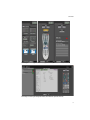
You can access the top level of your PC’s
file system from this menu
104
You can access the root level of the Application
Server’s file system from this menu