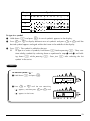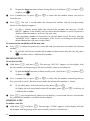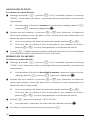
1
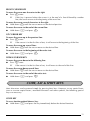
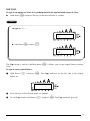
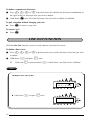
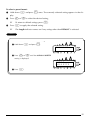
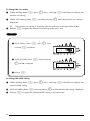
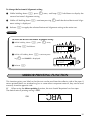
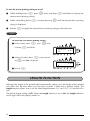
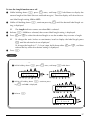
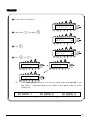
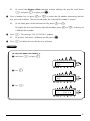
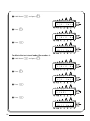
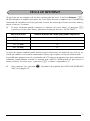
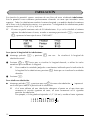
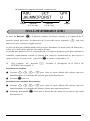
2 While still holding down c, continue pressing
Z until ON is displayed.
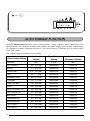
AUTO
ON
CUT
3 Release c.
PRINT KEY
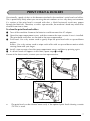
After you have entered your text and chosen the desired format settings, you are ready to print.
☞ If the Auto cut function is set to ON, the label will automatically be cut after it is
printed.
To print a label:
●
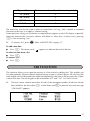
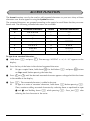
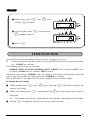
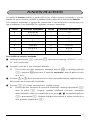
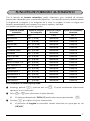
Press p once. The message “COPIES” followed by the number of the label being
printed is displayed.
☞
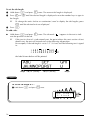
If the selected character size is too large for the width of the installed tape cassette,
the message “CHR SIZE AUTO?” appears. To allow the text size to automatically be
adjusted, press p or r. To stop the text size from being changed, press *.
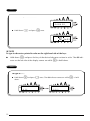
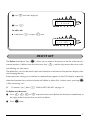
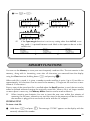
EXAMPLE
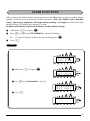
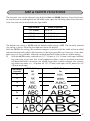
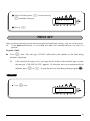
To print and cut a label:
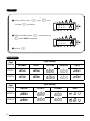
● Press
p once.
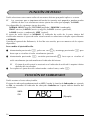
COPIES
1/ 1
39