1
UNDERLINE FUNCTION
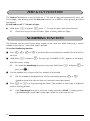
You can emphasize your text by underlining it.
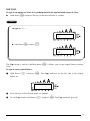
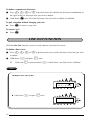
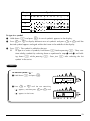
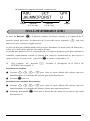
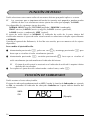
The default underline setting is OFF. When the Underline function is set to ON, the Underline
indicator on the right side of the display comes on.
UNDL
ON
(Sample)
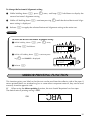
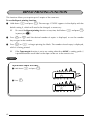
To turn the Underline function on or off:
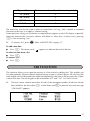
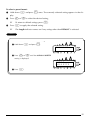
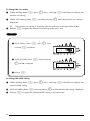
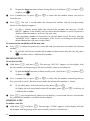
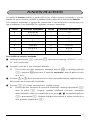
1 While holding down c, press 5 once, and keep c held down to display the
current underline setting.
2
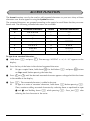
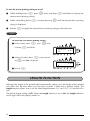
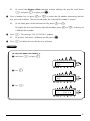
While still holding down c, continue pressing 5 until the desired underline setting is displayed.
☞
3
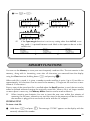
The Underline indicator comes on when the ON setting is selected.
Release c to apply the selected underline setting to the entire text.
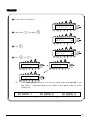
EXAMPLE
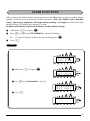
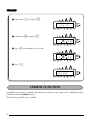
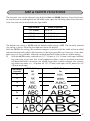
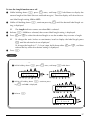
To select the ON underline setting:
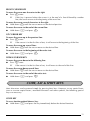
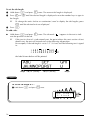
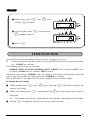
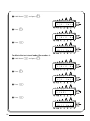
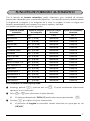
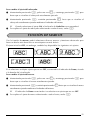
1 While holding down c, press 5 once,
and keep c held down.
UNDL
OFF
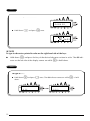
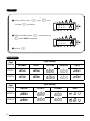
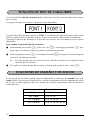
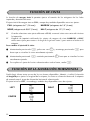
2 While still holding down c, continue pressing
5 until ON is displayed.
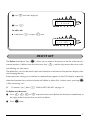
UNDL
ON
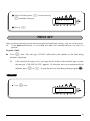
3 Release c.
31