1
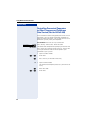
Making Calls – Convenience Functions
Step by Step
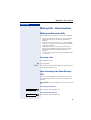
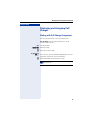
After a Speaker Call (Announcement) in a
Group
If this function has been configured (contact the service
personnel), you can use a speaker call (announcement,
Æ Page 22) to announce a call in progress to a group of
users Æ Page 47.
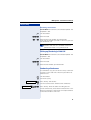
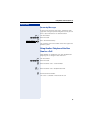
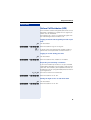
After a member of the group has accepted the call request, you can transfer the waiting party.
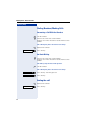
Precondition: You are conducting a call.
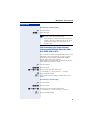
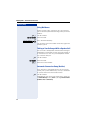
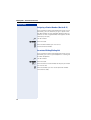
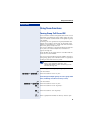
Press the key. LED flashes. Enter the code.
Consultation
qld
o w Enter the group’s station number.
s Announce the call.
When a member of the group accepts the call, you are
connected to this party.
t Replace the handset.
If the connection between the two other parties
is not established within 45 seconds, the call
from the first party returns to you (recall).
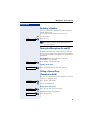
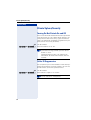
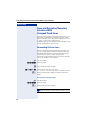
Trunk Flash (Not for HiPath 500)
To activate ISDN-type services and features through the
network carrier’s analog trunks or those of other communications platforms (such as "consultation hold"), you
must send a signal to the trunks before dialing the service code or telephone number.
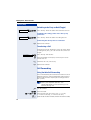
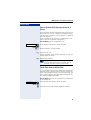
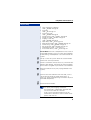
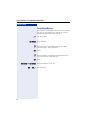
Precondition: You have set up an external connection
via an analog line.
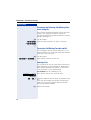
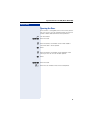
Press the key. LED flashes. Enter the code.
Consultation
qie
o Enter the service code and/or telephone number.
29