1
INSTALLATION AND OPERATION MANUAL
CNGE24MS
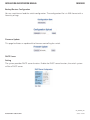
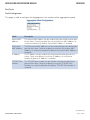
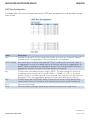
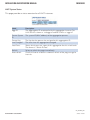
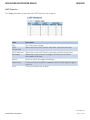
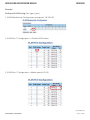
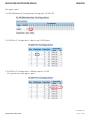
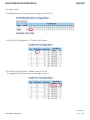
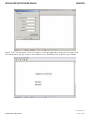
Static MAC Table Configuration
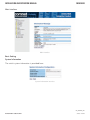
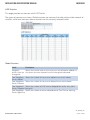
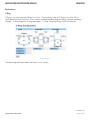
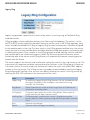
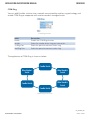
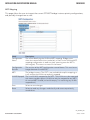
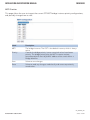
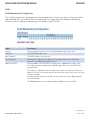
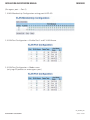
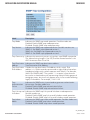
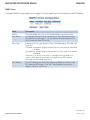
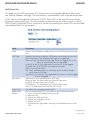
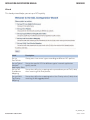
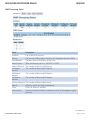
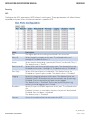
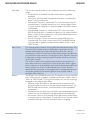
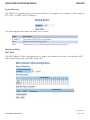
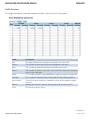
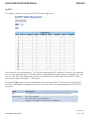
The static entries in the MAC table are shown in this table. The static MAC table can contain 64
entries.
The maximum of 64 entries is for the whole stack, and not per switch.
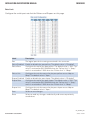
The MAC table is sorted first by VLAN ID and then by MAC address.
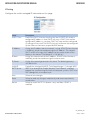
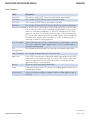
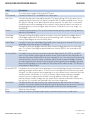
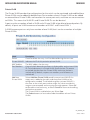
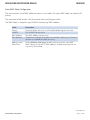
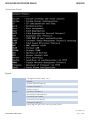
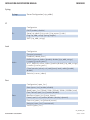
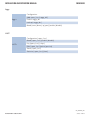
Label
Description
Delete
Check to delete the entry. It will be deleted during the next save.
VLAN ID
The VLAN ID for the entry.
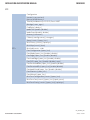
MAC Address
The MAC address for the entry.
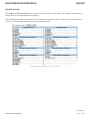
Port Members
Checkmarks indicate which ports are members of the entry. Check or
uncheck as needed to modify the entry.
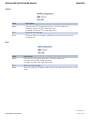
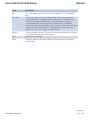
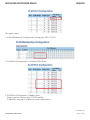
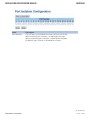
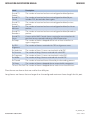
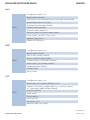
Adding a New
Static Entry
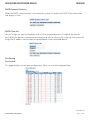
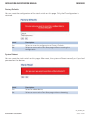
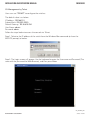
Select Add new static entry to add a new entry to the static MAC
table. Specify the VLAN ID, MAC address, and port members for the
new entry. Select Save.
INS_CNGE24MS_REV–
Tech Support: 1.888.678.9427
02/18/13
PAGE 83