1
USING A MEMORY CARD
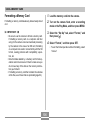
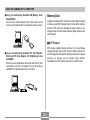
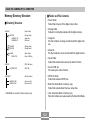
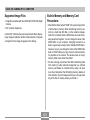
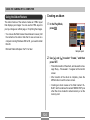
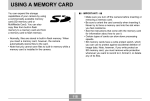
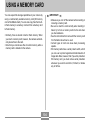
To remove a memory card from the camera
Using a Memory Card
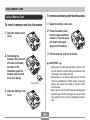
To insert a memory card into the camera
1. Open the memory card cover.
1. Open the memory card
2. Press the memory card
into the camera and then
release it. This will cause
the card to come part
way out of the camera.
cover.
3. Pull the memory card out of the slot.
2. Positioning the
memory card so its cut
off corner is oriented
as shown in the
illustration, push the
memory card into slot
as far as it will go.
IMPORTANT!
• Never insert any other object besides a memory card
into the camera’s card slot. Doing so creates the risk
of damage to the camera and card.
• Should water or any foreign object ever get into the
card slot, immediately turn off the camera, remove the
battery, and contact your dealer or nearest CASIO
service center.
• Never remove a card from the camera while the green
operation lamp is flashing. Doing so can cause the file
save operation to fail, and even damage the memory
card.
Cut off corner
3. Close the memory card
cover.
105