1
3.
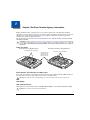
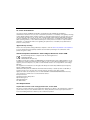
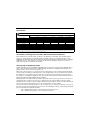
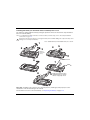
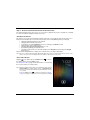
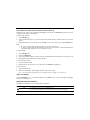
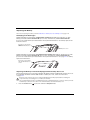
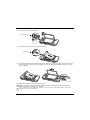
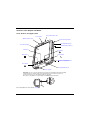
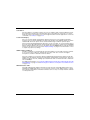
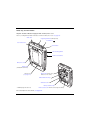
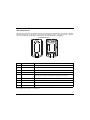
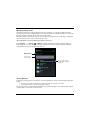
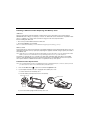
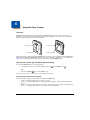
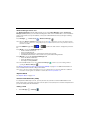
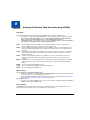
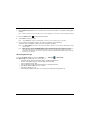
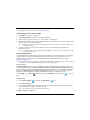
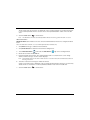
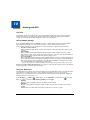
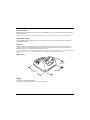
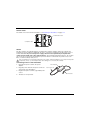
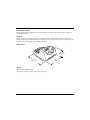
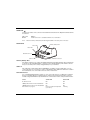
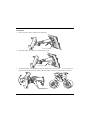
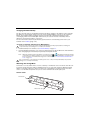
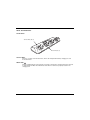
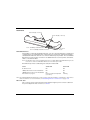
Pull the spring latch back and insert the Dolphin 70e Black into the terminal well. Charging begins
immediately if required by the Dolphin terminal.
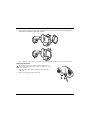
Note: Align the contacts on the back panel of the terminal with the charging contacts on the Mobile Base.
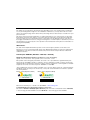
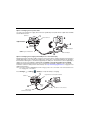
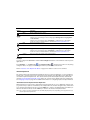
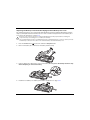
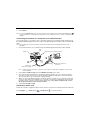
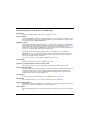
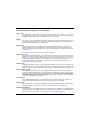
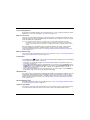
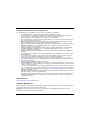
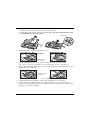
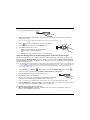
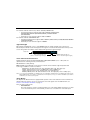
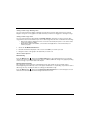
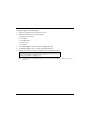
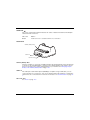
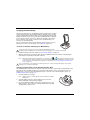
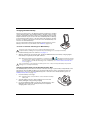
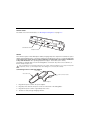
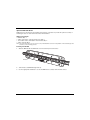
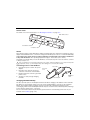
Removing the Cable
Attempting to remove the cable without disengaging the lock
may result in damage to the base and power cable not covered
by the warranty.
!
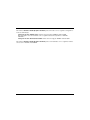
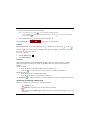
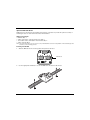
1.
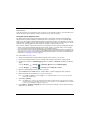
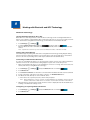
Twist the cable 90° counterclockwise to disengage the
cable lock.
2.
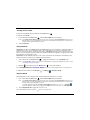
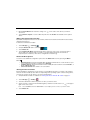
Remove the cable from the power jack.
1
2
13 - 6