1
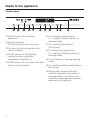
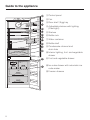
Guide to the appliance
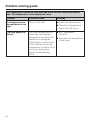
Symbols
Symbol
Meaning
Function
0
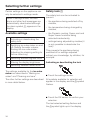
Safety lock
Prevents the appliance being switched off, the
temperature being altered, Dynamic cooling,
Super cool or Super freeze being switched on
and settings being entered by mistake.
®
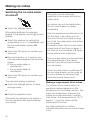
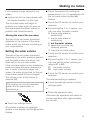
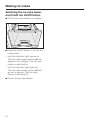
Ice cube maker
For switching the ice cube maker on and off;
for setting the water quantity;
for rinsing the ice cube maker; for setting the
cleaning setting for the ice cube tray;
flashes when "Water container empty" or
another ice cube maker fault message appears
in the display
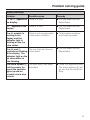
)
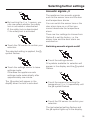
Acoustic signals
Choice of sensor tone and door and
temperature alarm tone
<
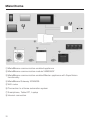
Miele|home
Only visible when a communication module is
fitted and signed on (see "Miele|home").
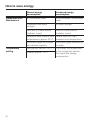
s
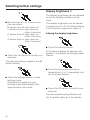
Display brightness
setting
For adjusting the brightness of the display
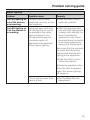
¬
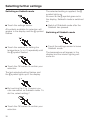
Sabbath mode
For switching Sabbath mode on and off
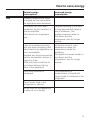
t
Mains connnection
Confirms that the appliance is connected to the
mains electrical supply when it is not switched
on; flashes in the event of a power cut
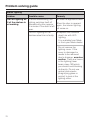
;
Alarm
Lights up when there is a door alarm; flashes
when there is a temperature alarm, power cut
or there are fault messages
r
Demo mode
(only visible when
Demo mode is
activated)
For switching off Demo mode
7