1
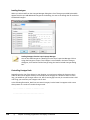
Status Bar
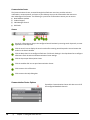
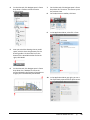
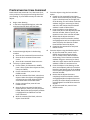
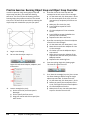
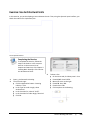
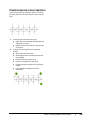
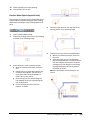
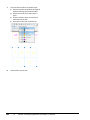
The status bar is located at the bottom of the application window.
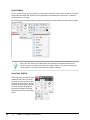
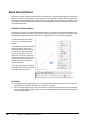
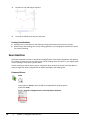
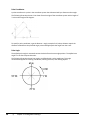
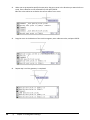
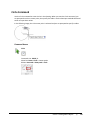
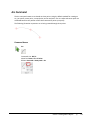
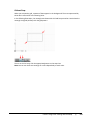
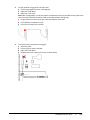
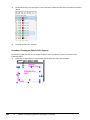
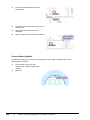
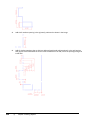
The left end of the status bar displays the coordinates that show the numerical position of the
crosshairs in the drawing. Click this area to turn the coordinate display off or on. In the on position,
there are two possibilities. The readout displays the X,Y,Z values, or the distance and polar angle of the
crosshairs as it is moved in the drawing window.
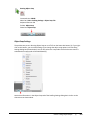
Coordinates Display
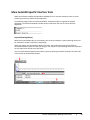
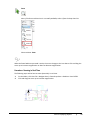
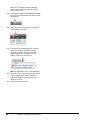
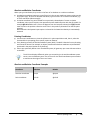
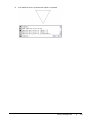
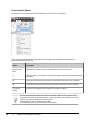
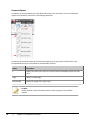
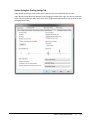
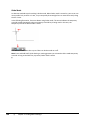
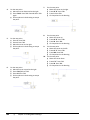
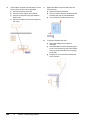
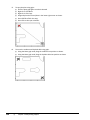
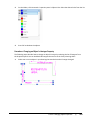
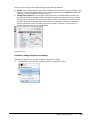
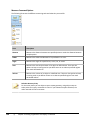
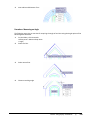
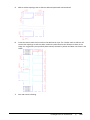
To the right of the Coordinates Display, there are buttons that activate features to facilitate drawing
construction. Collectively, these features are termed drafting settings.
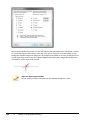
Drafting Settings
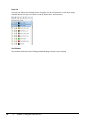
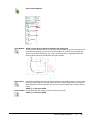
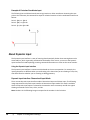
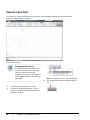
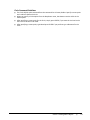
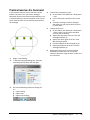
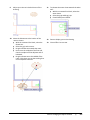
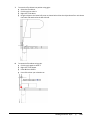
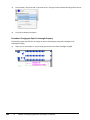
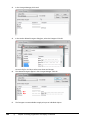
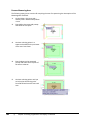
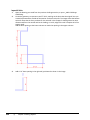
In the middle-right of the status bar are buttons to display the drawing model or the drawing layout
views.
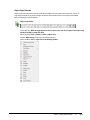
Model Space and Layout Settings
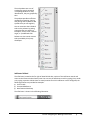
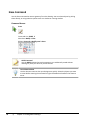
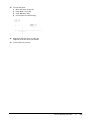
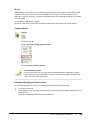
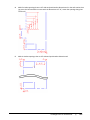
To the right of the Model Space and Layout buttons are the realtime Pan command and the Zoom
command.
Pan and Zoom
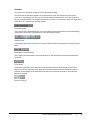
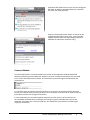
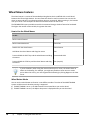
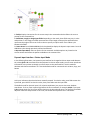
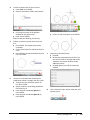
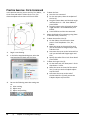
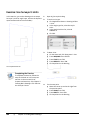
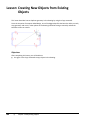
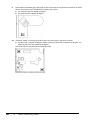
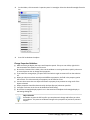
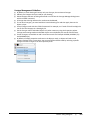
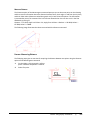
Towards the right side of the status bar are the Annotation options for the display of annotative
objects such as text and dimensions. When you create annotations with the annotative property
selected, the Annotation Scale displayed in the status bar represents the scale in which the new
objects are created.
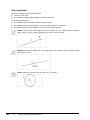
Annotation Settings
Lesson: Navigating the Working Environment
■
13