1
DES-3226 NWay Standalone Fast Ethernet Switch User’s Guide
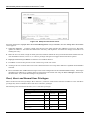
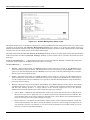
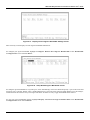
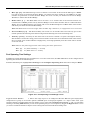
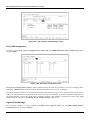
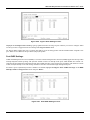
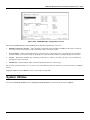
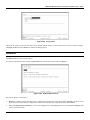
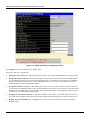
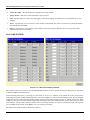
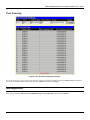
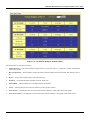
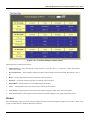
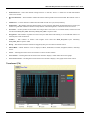
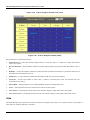
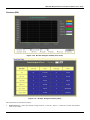
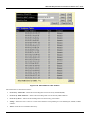
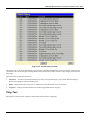
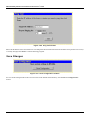
Figure 7-51. Switch History window
The Switch can record event information in its own logs, to designated SNMP trap receiving stations, and to the PC
connected to the console manager. Clicking Next at the bottom of the window will allow you to display all the Switch
Trap Logs.
The information is described as follows:
•
Sequence – A counter incremented whenever an entry to the Switch’s history log is made. The table displays
the last entry (highest sequence number) first.
•
Time – Displays the time in days, hours, and minutes since the Switch was last restarted.
•
Log Text – Displays text describing the event that triggered the history log entry.
Ping Test
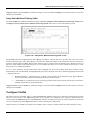
The Switch is able to test the connection with another network device using Ping.
114