1
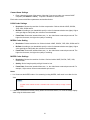
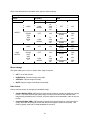
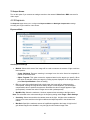
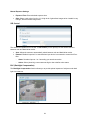
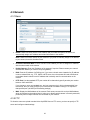
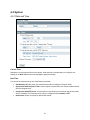
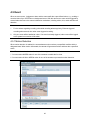
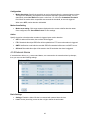
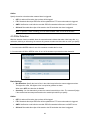
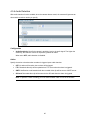
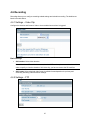
4.6 Recording Recording allows you to configure recording-related settings and schedule recording. The defaults are listed in the table below: 4.6.1 Settings – Video Clip Configure the duration and format of video to be recorded when an alarm is triggered. Basic Settings AVI Duration: Select video duration. Note: If there is an SD card in the camera, then the AVI Duration option cannot be selected. In order to specify or view the duration of AVI video clip, you have to remove the SD card first. AVI Format: Select a desired video format. Available formats depend on the primary and secondary streaming codec/resolution settings. 4.6.2 Settings – FTP 47