1
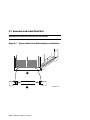
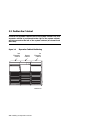
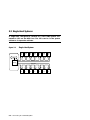
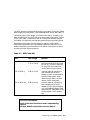
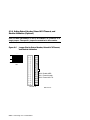
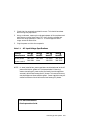
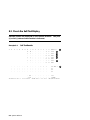
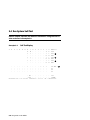
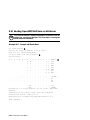
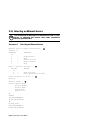
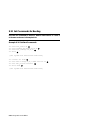
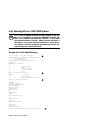
The KFMSA-BA runs a self-test during power-up and the console displays
results on the system self-test display. The yellow LED on the KFMSA-BA
lights to indicate that self-test passed.
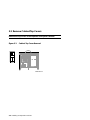
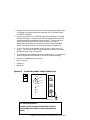
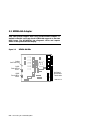
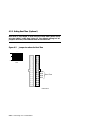
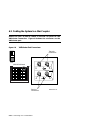
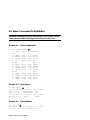
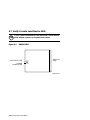
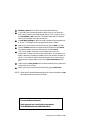
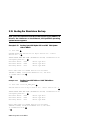
If a KFMSA-BA fails self-test, check the diagnostic LEDs on the module.
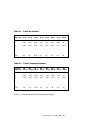
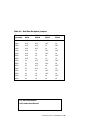
Two sets of four red LEDs report status for each of the logical ports associated with the two physical buses.
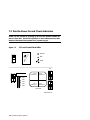
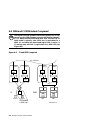
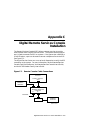
The KFMSA-BA adapter has removable termination; with the termination
present on the module, it supports single- and dual-host subsystems, and
with the termination removed supports tri- and quad-host subsystems.
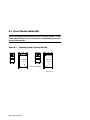
Of the eight nodes configured between any two terminators on KFMSA-BA
adapters, one to three nodes can be KFMSA-BA adapters. The remaining
nodes can be RF disk or TF tape integrated storage elements (ISEs).
For more information:
KFMSA Module Installation and User Manual
KFMSA Module Service Guide
Connecting to a DSSI Subsystem 5-7