1
Mountain Lion OS and
Gatekeeper:
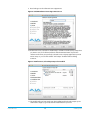
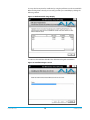
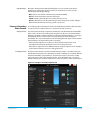
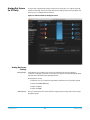
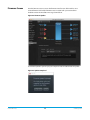
With the addition of Gatekeeper functionality in Mac OS Mountain Lion, you should go to
System Preferences>Security & Privacy and choose to allow “Mac App Store and identified
developers.”
Figure 4. Mac Security & Privacy Gatekeeper Setting
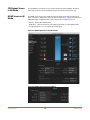
1. Locate the Io XT or Io 4K software downloaded from AJA.
2. Double-click the package to log on and begin software installation. Start by installing
the Io XT/4K driver package with AJA Control Panel and then finally install any AJA
plug-ins for 3rd-party software.
NOTE:
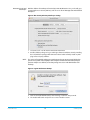
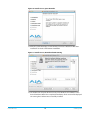
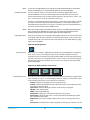
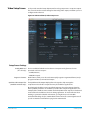
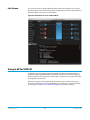
The system will respond by asking you to authenticate who you are as currently defined on
your OS X user profile. Enter the proper name and password at the Authenticate prompt; if
you have multiple users defined, ensure that you log on as a user with administrator-level
authority.
Figure 5. Log On Authenticate Prompt
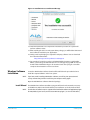
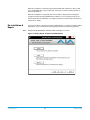
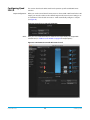
3. Click on the Install Software button after entering a valid user and password.
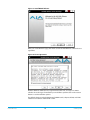
4. The installer will launch and you’ll see a series of installer screens.
Io XT/4K v10.5
13
www.aja.com