1
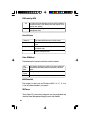
Time
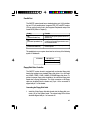
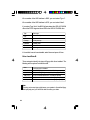
The time format is <hour>, <minute>, <second>. The time is based on
the 24-hour military-time clock. For example, 1 p.m. is 13:00:00.
Hour
Displays hours from 00 to 23
Minute
Displays minutes from 00 to 59
Second
Displays seconds from 00 to 59
Date
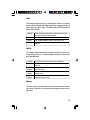
The date format is <day>, <month>, <date>, <year>.
Day
Displays a day, from Sunday to Saturday
Month
Displays the month, from January to December
Date
Displays the date, from 1 to 31
Year
Displays the year, from 1900 to 2099
Primary Master, Primary Slave, Secondary Master and Secondary
Slave
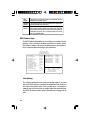
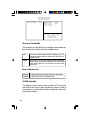
These categories allow you to enter the appropriate specifications for
the type of hard disk drive(s) installed in your system. There are 45
predefined types and 4 user definable types for IDE hard drives. Type 1
to Type 45 are predefined. Type “User”is user-definable.
Press <PgUp> or <PgDn> to select a numbered hard disk type or type
the number and press <Enter>. The hard disk will not work properly if
you enter improper information for this category. You can use Type
“User”to define your own drive type manually.
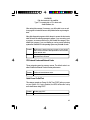
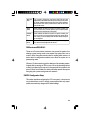
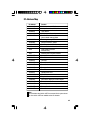
If you select Type “User”, you will need to know the information listed
below. Enter the information and press <Enter>. This information should
be included in the documentation from your hard disk vendor or the
system manufacturer.
33