1
Appendix I
FIRMWARE UPGRADE
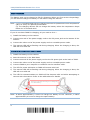
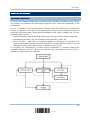
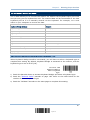
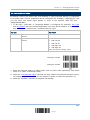
You can only upgrade firmware of one scanner at a time. For example, you must turn off
each of the rest 1166/1266 scanners when there is more than one scanner connected to
your computer.
Note: In case it fails downloading due to low battery, make sure the targe scanner is
loaded with good battery and the battery charge is enough.
HOW TO UPGRADE 1166/1266 FIRMWARE
USING 3666
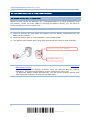
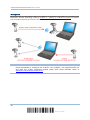
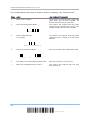
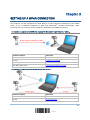
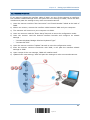
1) Connect the RS-232 cable between 3666 and your computer.
Connect the power supply cord from 3666 to a proper power outlet.
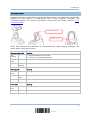
2) Refer to 3.1.1 Connect to 3666 for the target scanner to connect to 3666.
Read the “Set Connection” label first, and then the “Serial Number” label. Both labels
can be located at the back of 3666.
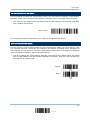
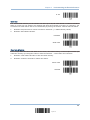
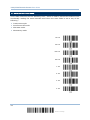
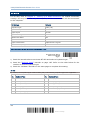
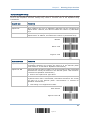
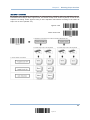
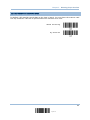
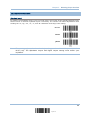
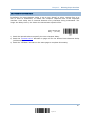
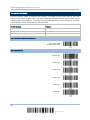
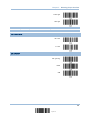
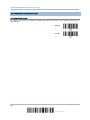
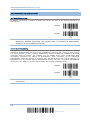
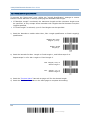
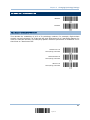
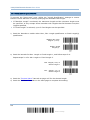
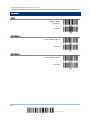
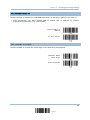
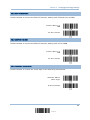
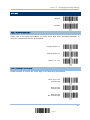
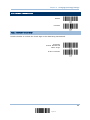
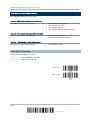
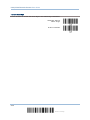
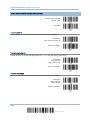
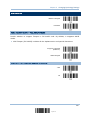
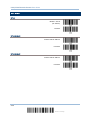
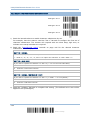
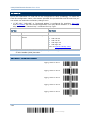
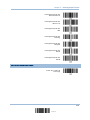
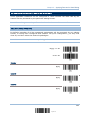
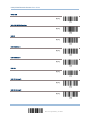
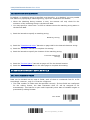
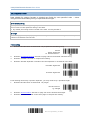
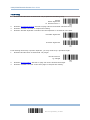
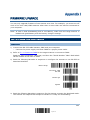
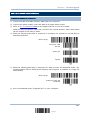
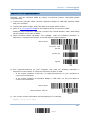
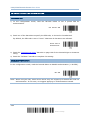
3) Read the following barcodes in sequence to configure the scanner to use RS-232 as
download interface.
Enter Setup
Activate 3666
RS-232
115200 bps
Update
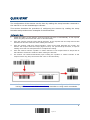
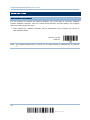
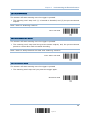
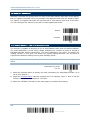
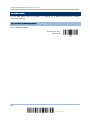
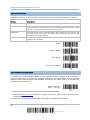
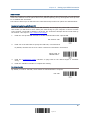
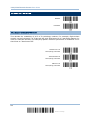
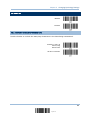
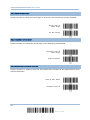
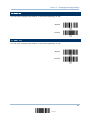
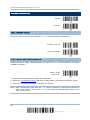
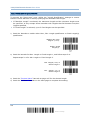
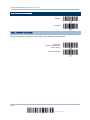
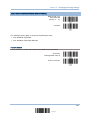
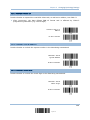
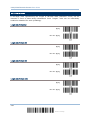
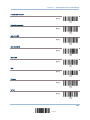
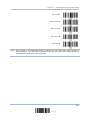
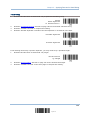
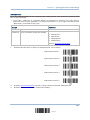
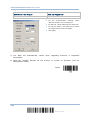
4) Read the following barcodes in sequence for the scanner to enter the download mode.
The scanner will respond with beeps to indicate it is ready for downloading.
151
Update