1
2
Installing Your Phone
This chapter describes how to install your Cisco Small Business IP Phone and connect it to
your network. It contains the following sections:
•
Before You Begin, page 12
•
Installing Your Cisco SPA 303 IP Phone, page 13
•
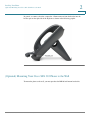
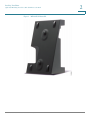
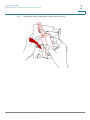
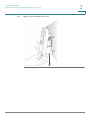
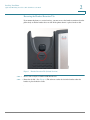
(Optional) Mounting Your Cisco SPA 303 Phone to the Wall, page 16
•
Verifying Phone Startup, page 23
•
Upgrading Your Phone’s Firmware, page 24
Before You Begin
Before you install and connect your phone, verify with your phone administrator (if
applicable) that the network is ready for the phone, read the safety notices, and make sure you
have all the phone parts and documentation available.
Cisco Small Business IP Phone SPA 303 User Guide (SIP)
12