1
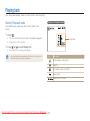
Playing back
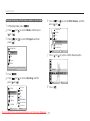
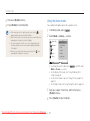
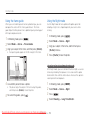
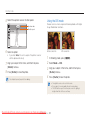
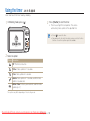
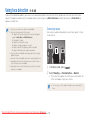
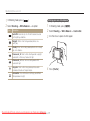
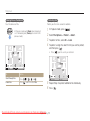
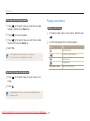
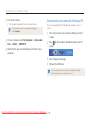
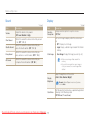
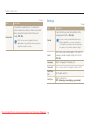
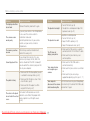
4 Set the slide show effect.
5 Select Start → Play.
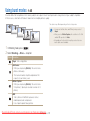
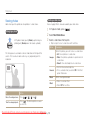
Playing a video
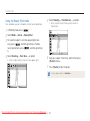
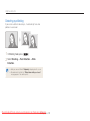
You can play a video, capture an image from a video, or crop a
video.
• To loop the slide show, select Repeat.
• Press [
] to pause or resume the slide show.
To stop the slide show and switch to Playback mode, press [
[ ] or [ ].
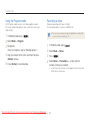
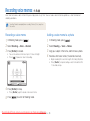
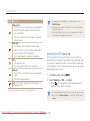
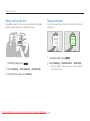
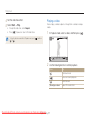
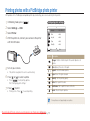
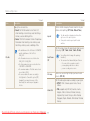
1 In Playback mode, select a video, and then press [
], and then
Pause
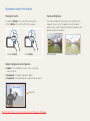
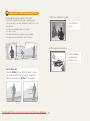
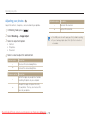
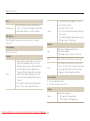
2 Use the following buttons to control playback.
Press
To
[
Scan backward.
]
[
[
]
]
[Zoom] up or down
Downloaded From camera-usermanual.com Samsung Manuals
Playback/Editing
57
Pause or resume playback.
Scan forward.
Adjust the volume level.
].