1
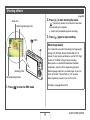
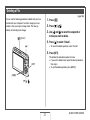
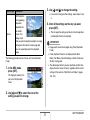
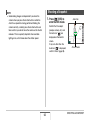
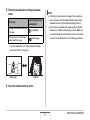
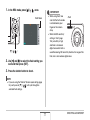
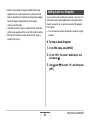
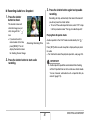
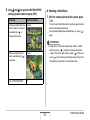
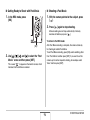
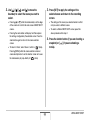
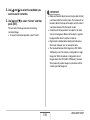
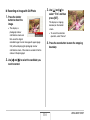
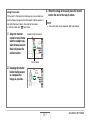
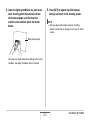
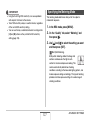
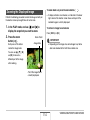
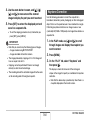
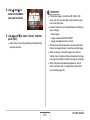
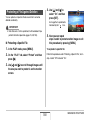
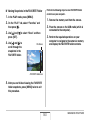
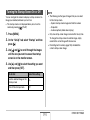
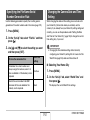
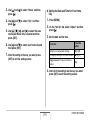
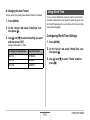
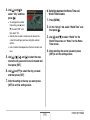
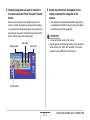
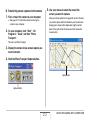
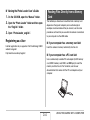
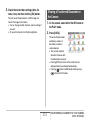
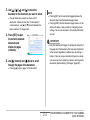
5. Use [S], [T], [W], and [X] to move the
IMPORTANT!
cropping boundary to the location you want
and then press [SET].
• Digital zoom is disabled while recording with Old Photo.
However, you can use optical zoom.
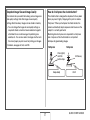
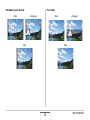
• When recording the image of a photograph, the camera will
not be able to recognize the shape of the photograph in the
following cases.
– When part of the photograph extends outside of the
monitor screen
– When the subject is the same color as the background it
is placed upon
• The maximum Old Photo image size is 2M (1600 × 1200
pixels). When the camera is configured to record images
smaller than 2M (1600 × 1200 pixels), Old Photo will
produce images in accordance with the currently specified
image size.
• Under certain conditions, restored colors may not produce
the desired results.
The camera will correct color automatically and save the
corrected image.
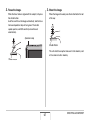
• If you do not want a border around the image, configure
the cropping boundary so it is slightly inside of the
boundary of the displayed image.
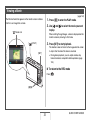
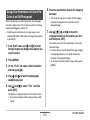
• To cancel the cropping operation at any point and save
the image as-is, press [MENU].
111
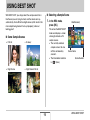
USING BEST SHOT